
Industrial Brief
DJI FlightHub 2 On-Premises for Industrial & Critical Infrastructure: Inspection Data That Never Leaves Your Network
Self-hosted DJI fleet management for utilities, energy, mining, and infrastructure operators. Inspection data, asset imagery, and flight logs stay inside your network. Canadian deployment from Remote Robotic.
Remote Robotic · July 17, 2026 · 10 min read
What Is DJI FlightHub 2 On-Premises?
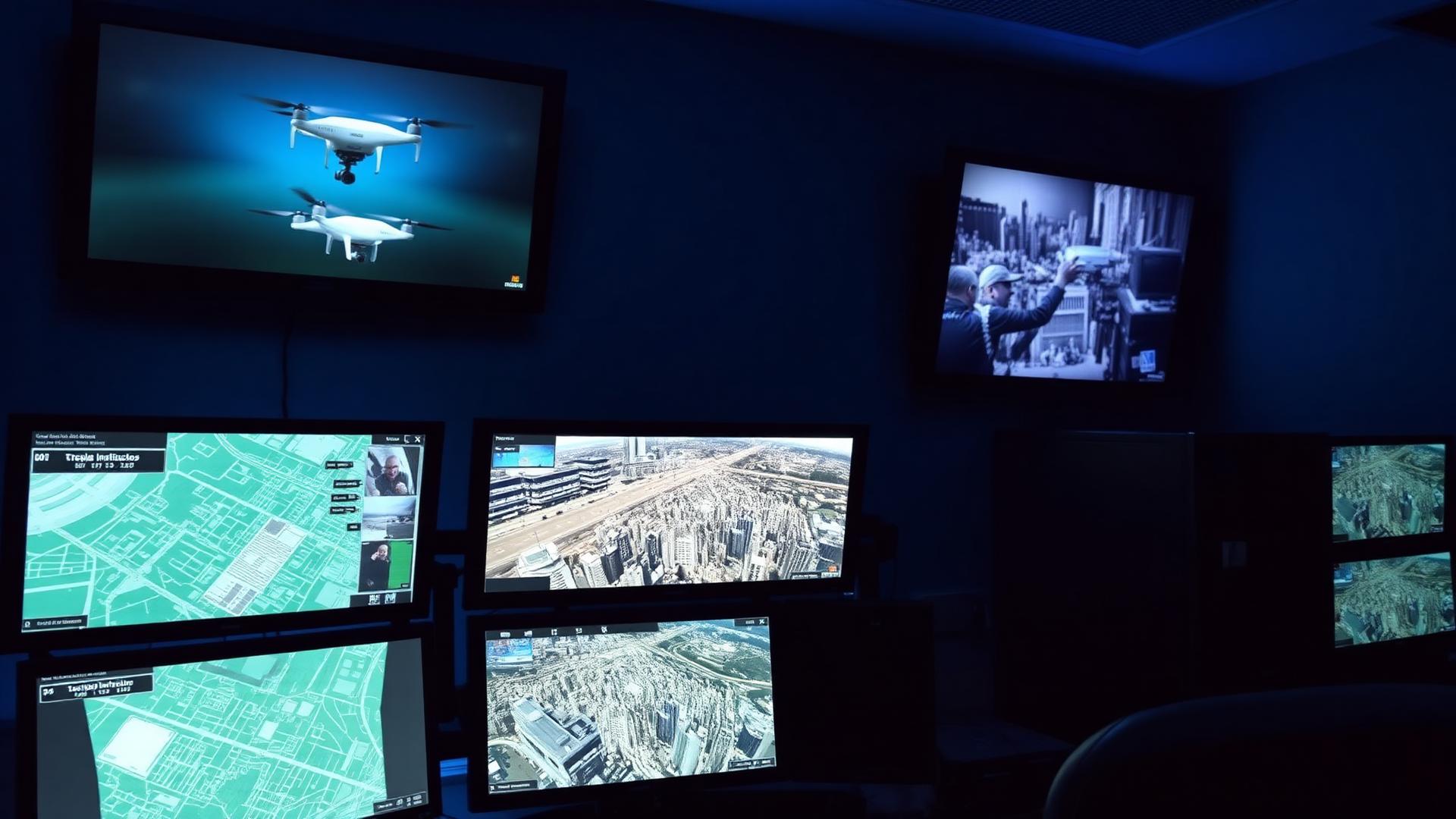
DJI FlightHub 2 On-Premises is the self-hosted deployment of DJI's drone fleet management platform. Same capabilities as the cloud version — live streaming, dock automation, mapping, fleet oversight — installed on infrastructure you own, inside your own network perimeter.
For operators whose inspection data is commercially sensitive, security-classified, or governed by regulator-facing retention rules, that distinction is the whole point.
Why Does Drone Data Security Matter for Infrastructure Operators?
A drone inspection program produces a detailed, georeferenced picture of your physical assets. That picture is valuable to you — and to people you don't want to have it.
Consider what a transmission utility accumulates over a year of automated inspections:
- Centimetre-accurate imagery of every structure on a corridor
- Thermal signatures showing which components are degrading
- LiDAR point clouds mapping right-of-way encroachment
- A complete flight history establishing what was inspected, when, and by whom
Aggregate that across a fleet and you have a vulnerability map of critical infrastructure. Most operators' security policies treat it that way.
The same logic applies across sectors:
- Electric utilities and grid operators. Substation and transmission imagery under critical infrastructure protection frameworks.
- Oil, gas, and pipeline. Facility layouts, flare and tank condition, ROW imagery — often subject to operator-specific data-handling standards written into contracts.
- Mining. Pit surveys, stockpile volumetrics, and haul-road data are direct commercial IP tied to reserve reporting.
- Rail, ports, and transportation. Corridor and terminal imagery under transport security frameworks.
- Water, wastewater, and telecom. Asset condition data increasingly falls under national critical-infrastructure designations.
Public cloud platforms put that data on infrastructure you don't administer, often in a jurisdiction you didn't choose. On-Premises eliminates the question rather than mitigating it.
Who Is FlightHub 2 On-Premises For?
- Corporate or regulatory policy prohibits cloud storage of asset data. Common in utilities, energy, and defence-adjacent manufacturing.
- You operate on an OT or air-gapped network. The platform runs without internet access, including offline basemaps and local elevation data.
- You're deploying docks for recurring automated inspection. Continuous autonomous inspection generates continuous data. On-Premises keeps it internal.
- You need to feed existing systems. EAM, CMMS, GIS, historian, or a reliability platform — On-Premises integrates against systems on the same network via DJI's Cloud API.
- You have a security team that must sign off. "It runs inside our perimeter, on our hardware" is a materially shorter review than a third-party cloud assessment.
- You're contractually accountable for data handling. If your client's MSA dictates where data lives, cloud may simply not be an option.
What Drones and Hardware Does It Work With?
FlightHub 2 On-Premises supports the same DJI Enterprise fleet as cloud FlightHub 2.
Docks
- DJI Dock 3
- DJI Dock 2
- DJI Dock (original)
Aircraft
- DJI Matrice 400
- DJI Matrice 350 RTK
- DJI Matrice 30 Series (M30 / M30T)
- DJI Matrice 4 Series (M4E / M4T)
- DJI Matrice 4D Series (DJI Matrice 4D / DJI Matrice 4TD — dock-native aircraft)
- DJI Mavic 3 Enterprise Series (Mavic 3 Multispectral is not supported)
Payloads
- Zenmuse H30 Series (H30 / Zenmuse H30T)
- Zenmuse H20 Series
- Zenmuse S1
- Zenmuse V1
Ground hardware
- DJI RC Plus or RC Pro Enterprise running DJI Pilot 2
Worth flagging for survey and LiDAR workflows: FlightHub 2's supported payload list is oriented toward inspection and streaming sensors. If your program centres on Zenmuse L3 / Zenmuse L2 or Zenmuse P1 data, confirm with us how that data flows in your specific workflow before you scope the deployment — we'll validate it against your fleet.
What Can You Do With It?
- Automated dock operations. Schedule recurring inspection missions on DJI Dock 2 and Dock 3 — substations, tank farms, solar arrays, pits — with no crew on site.
- Live streaming and remote oversight. Engineers, reliability leads, and control-room staff view the same feed and map simultaneously.
- Virtual Cockpit. Remotely control aircraft, camera, and gimbal from the platform.
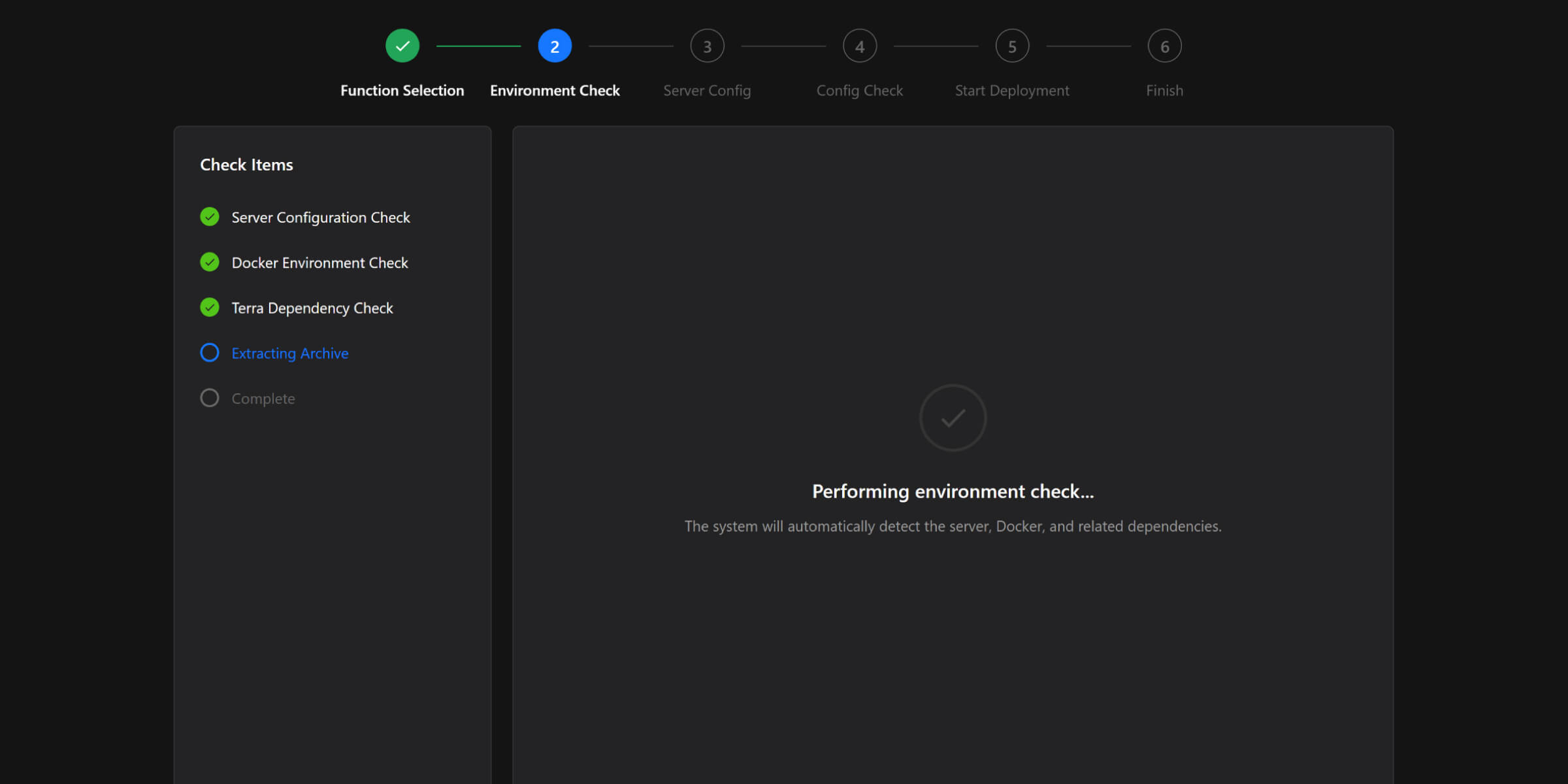
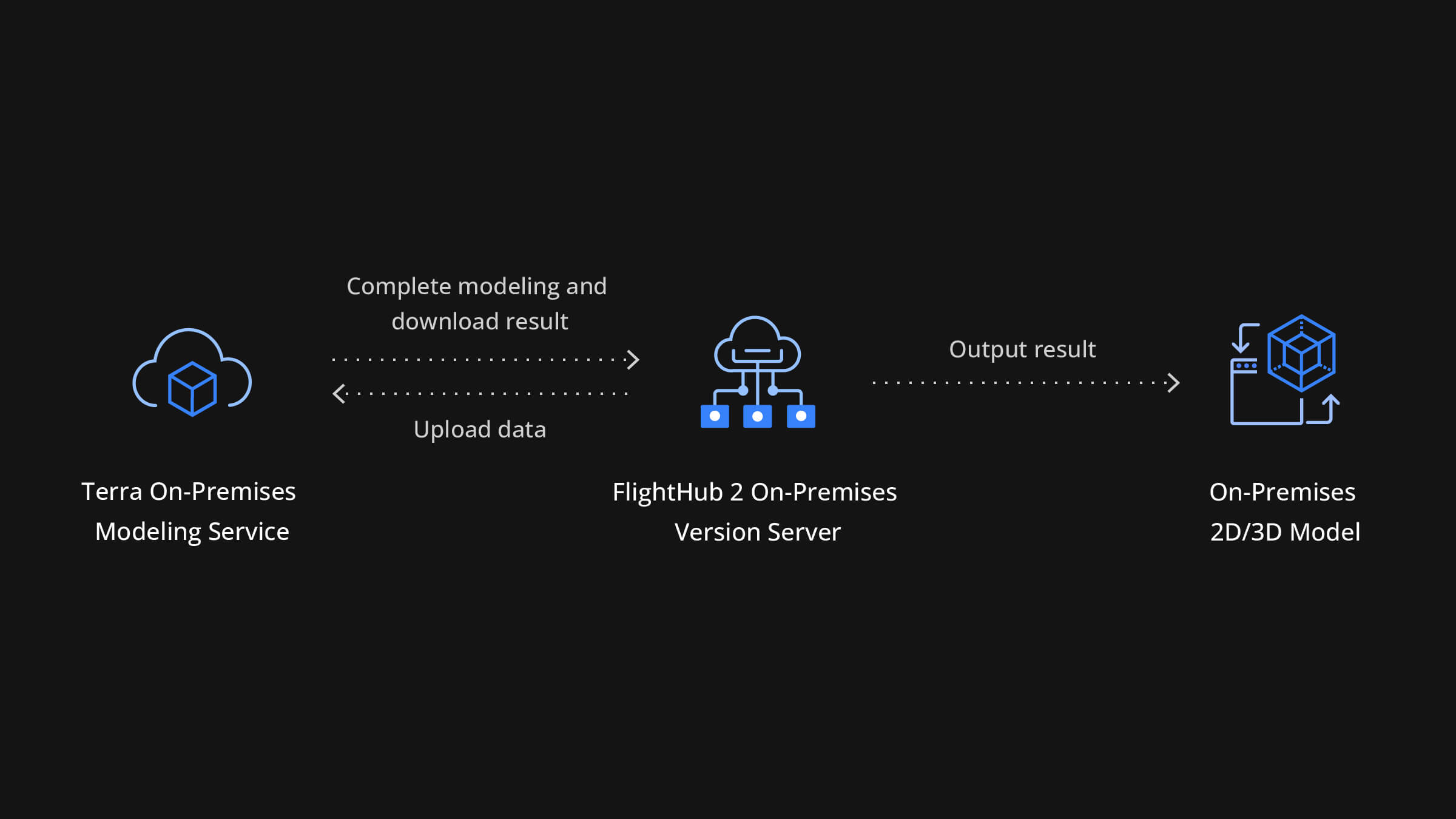
- Mapping and 3D reconstruction. Orthomosaics, point clouds, and models via DJI Terra — deployable as a private service on the same internal network, so processing happens locally too.
- Fleet, battery, and firmware management. Track aircraft health, flight hours, and airworthiness across sites.
- Third-party algorithm integration. Custom detection models can be integrated via onboard or cloud compute interfaces (currently supported on DJI Dock 3, Matrice 4 Series, and Matrice 400), generating real-time alerts and feeding detections back into flight routes.
Two Ways to Deploy: Software, or the FlightHub 2 AIO
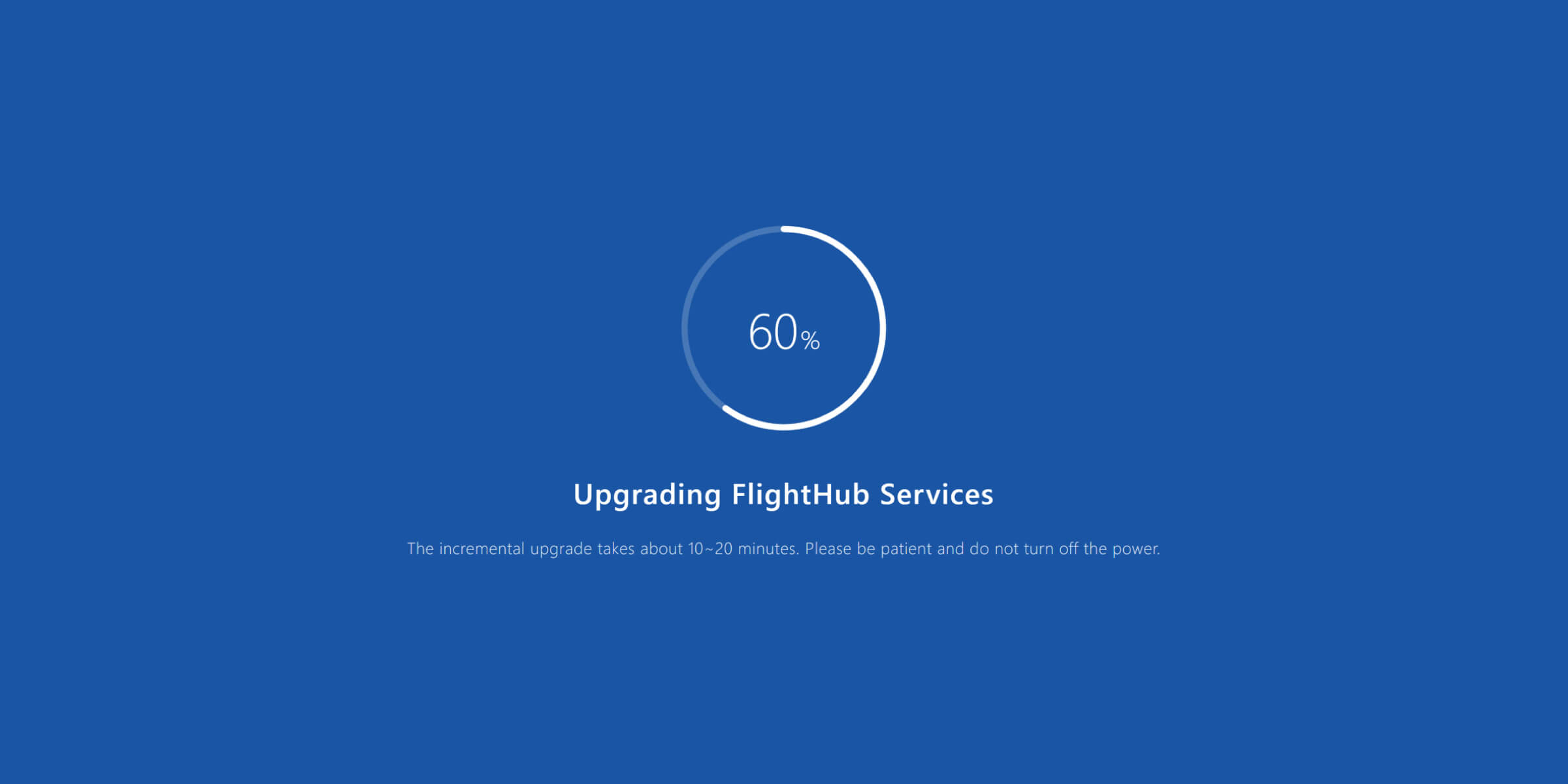
Software-only deployment. Install FlightHub 2 On-Premises on your own server infrastructure. The right choice if you have an IT team, a virtualized environment, and existing hardware standards.
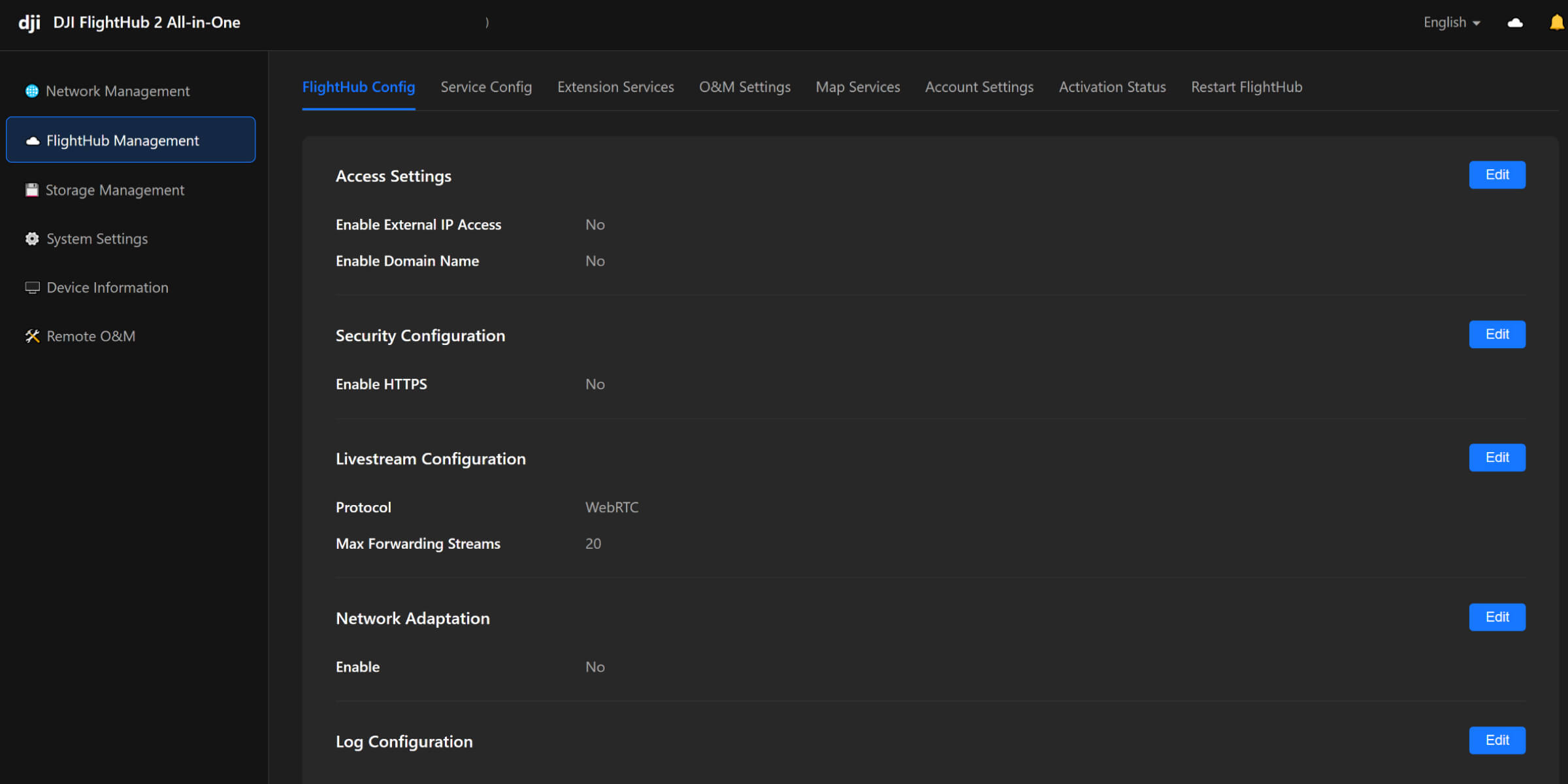
DJI FlightHub 2 AIO. A compact computer (~3 kg, small-form-factor) that ships with FlightHub 2 On-Premises pre-installed. It's not a sealed appliance — it runs Ubuntu 24.04.2 LTS Desktop with terminal access. What you're buying is the elimination of the server-provisioning and software-install project.
| Component | Specification |
|---|---|
| CPU | Intel Core Ultra 7 Processor 265 |
| Memory | 64 GB |
| Graphics | NVIDIA RTX 2000 Ada |
| Storage | 3 × 2 TB SSD — 1 system, 2 data (RAID 1 mirroring) |
| Wired network | 4 × 10/100/1000 Mbps RJ45, plus 1 × 1 GbE onboard |
| Wireless | Wi-Fi 802.11be (Wi-Fi 7), 2×2 |
| Ports | 5 × USB-A 3.2 Gen 2, 2 × USB-C 3.2 Gen 2, 3 × DisplayPort 1.4 |
| Recommended operating temp | 10–35 °C |
| OS | Ubuntu 24.04.2 LTS Desktop |
Notes for Engineering and IT Planners
- Capacity. Up to 20 aircraft and docks combined per instance. At full load, resource utilization runs around 80% — 20 is a real ceiling. Multi-site programs beyond that need a scoped custom deployment.
- Redundancy. RAID 1 mirroring on the data drives by default. Single-drive failure doesn't lose inspection data, and the platform includes a guided replacement and rebuild workflow.
- External storage. Mounts NAS via NFS or SMB, or IP SAN via iSCSI — so inspection data can land on existing enterprise storage. Plan for 150 MB/s+ read/write (SSD recommended). Budget ~10–15 MB per image and ~1 GB per minute of original video; a mature dock program accumulates faster than most teams initially estimate.
- Networking. Four wired ports allow segmentation between the dock network and your corporate LAN. DHCP, DNS, and routing are all configurable in the management backend.
- Environmental. Recommended operating range is 10–35 °C. This is office/server-room hardware, not a field-hardened unit — plan the install location accordingly.
- Licensing. A hardware dongle must remain connected during operation. Pulling it deactivates services immediately.
How Does It Fit a Restricted or OT Network?
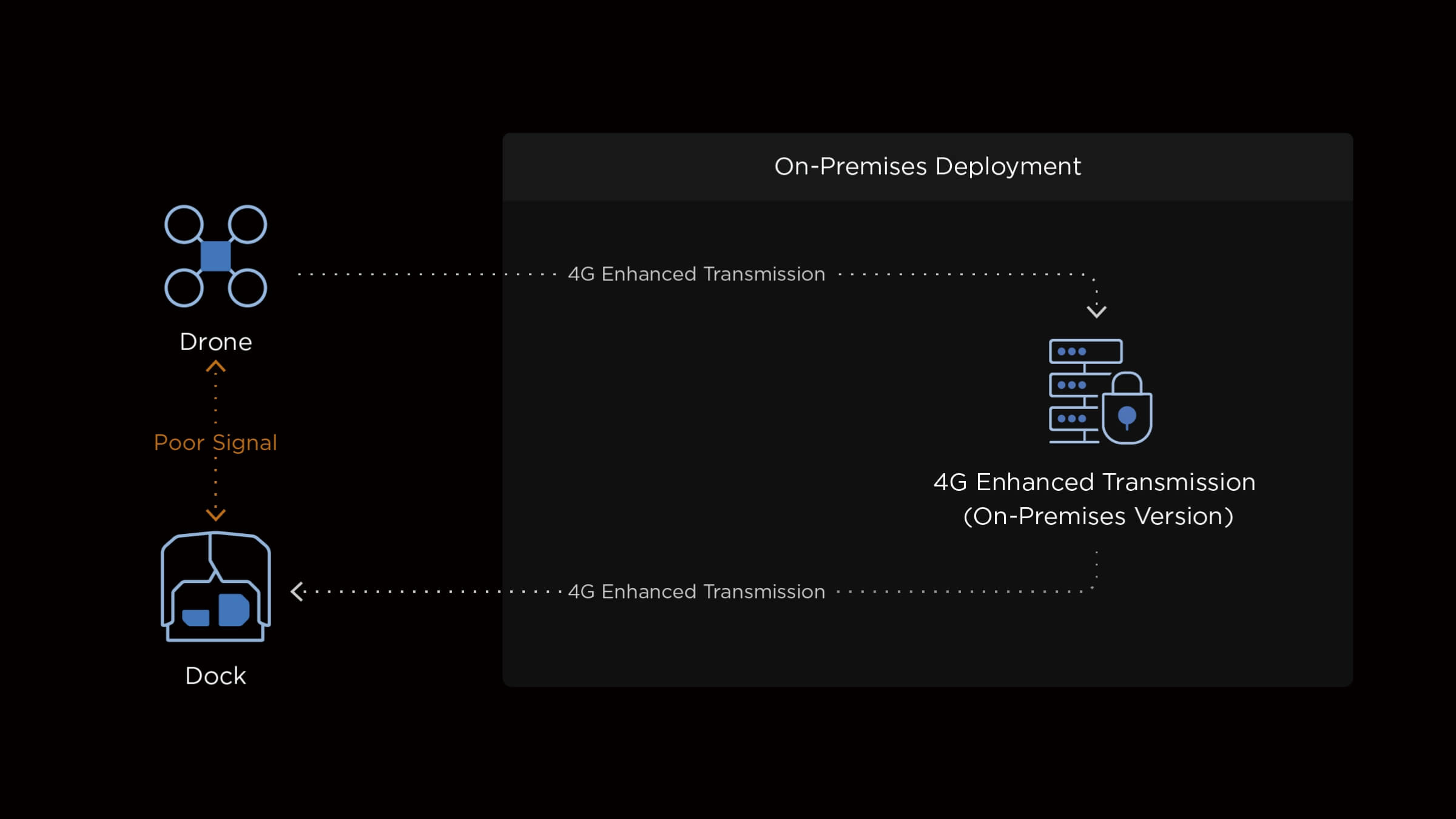
- Fully offline capable. Upload map tiles (MBTiles or XYZ) and elevation data locally. No outbound calls to external map services.
- Private Terra and 4G services. Point both at internal servers rather than DJI-hosted endpoints.
- Enterprise HTTPS. Import your own CA-issued certificate rather than running self-signed.
- OAuth 2.0 identity integration. Local accounts, or unified authentication against your existing identity provider.
- Hardened by default. SSH is disabled out of the box. When enabled for maintenance, change the port and restrict access by firewall to trusted IPs.
- Selective remote support. DJI remote maintenance is off by default and requires you to enable it, share credentials, and disable it afterward.
Aircraft bind via DJI Pilot 2 pointed at your internal server address. Docks bind through the remote controller using an organization ID and binding code. No DJI cloud account is required for day-to-day operation.
Next Steps
If data residency or network isolation is holding up your drone inspection program, On-Premises is the deployment model that resolves it. We'll bring your security, IT, and operations stakeholders into the same conversation, scope the deployment against your existing network and storage, and handle the training and certification your crews need.
Shop the story
Related products in our catalog
Every product below is stocked and supported by Remote Robotic in Canada.
- DJI FlightHub 2 AIO
DJI FlightHub 2 AIO
Pre-installed on-premises appliance — up to 20 aircraft/docks, data stays on your network. CAD $22,285.
View product → - DJI Matrice 400
DJI Matrice 400
Flagship enterprise M400 airframe — 59 min flight, 6 kg payload, multi-sensor ready.
View product → - DJI Matrice 4D
DJI Matrice 4D
Dock-native M4D — IP55, ~54 min flight, pairs with Dock 3 for autonomous DFR & BVLOS.
View product → - DJI Matrice 4TD
DJI Matrice 4TD
Dock-native thermal M4TD with NIR aux light — night-ops DFR and thermal patrol.
View product → - DJI Zenmuse H30T
DJI Zenmuse H30T
Wide + 34× zoom + thermal (1280×1024) + laser rangefinder + NIR — the flagship M400 payload.
View product → - DJI Zenmuse L3
DJI Zenmuse L3
1535 nm long-range LiDAR + dual 100 MP RGB — survey-grade M400 mapping payload.
View product → - DJI Zenmuse P1
DJI Zenmuse P1
45 MP full-frame photogrammetry with global shutter — 3 cm accuracy without GCPs.
View product →