
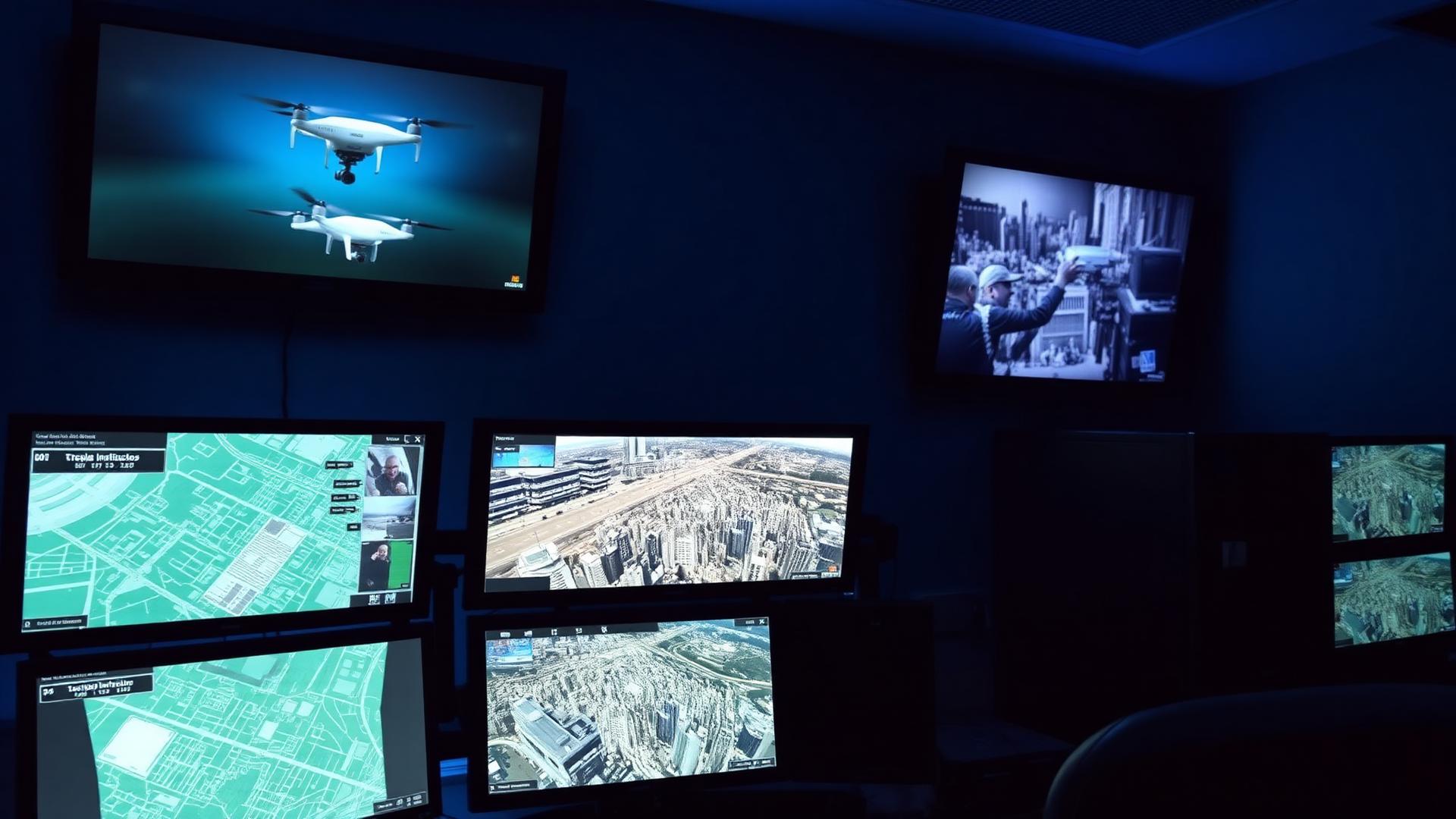
Public Safety Brief
DJI FlightHub 2 On-Premises for Public Safety: Keep Mission Data Inside Your Network
DJI FlightHub 2 On-Premises runs your drone program entirely on your own network — no public cloud, no external data transfer. Built for police, fire, and SAR. Canadian deployment and training from Remote Robotic.
Remote Robotic · July 15, 2026 · 9 min read
What is DJI FlightHub 2 On-Premises?
DJI FlightHub 2 On-Premises is the self-hosted version of DJI's drone fleet management platform. It delivers the same capabilities as the public cloud version, but runs on servers your agency owns and controls — so flight logs, video, imagery, and mission records never leave your network.
For agencies that can't put evidence or operational data on a third-party cloud, this is the deployment model that makes a drone program viable.
Why drone data security matters for public safety
A police, fire, or SAR drone program generates data that is, in practical terms, evidence:
- Live and recorded video from active scenes
- Georeferenced imagery of collision and fire scenes
- Flight logs establishing where an aircraft was, and when
- Mission records tied to open investigations
That data is subject to disclosure rules, records-retention schedules, and procurement policies that restrict where public-sector information can be stored. Many Canadian agencies operate under provincial requirements that data remain within Canadian jurisdiction, and some under stricter policies that keep it inside the agency's own network entirely.
Public cloud drone platforms put that data on infrastructure you don't administer. On-Premises removes the question. The data is on your server, in your building, behind your firewall.
Who FlightHub 2 On-Premises is for
- Policy prohibits cloud storage of operational or evidentiary data. Common in law enforcement, corrections, and provincial emergency management.
- You're running Dock-as-First-Responder (DFR). Continuous automated response generates a continuous data stream. On-Premises keeps that stream internal.
- You need to integrate with existing systems. CAD, RMS, evidence management, or a municipal GIS — On-Premises supports custom development and API integration against systems on the same network.
- Your network is air-gapped or heavily restricted. The platform operates without an internet connection, including offline basemaps and locally hosted elevation data.
- Your IT and legal stakeholders need to sign off. "The data never leaves our environment" is a much shorter conversation than a cloud-security review.
If your agency runs a handful of aircraft with no evidentiary or policy constraints, standard cloud FlightHub 2 may be sufficient. On-Premises is for when it isn't.
What drones and hardware does it work with?
FlightHub 2 On-Premises supports the same DJI Enterprise fleet as cloud FlightHub 2:
Docks
- DJI Dock 3
- DJI Dock 2
- DJI Dock (original)
Aircraft
- DJI Matrice 400
- DJI Matrice 350 RTK
- DJI Matrice 30 Series (M30 / M30T)
- DJI Matrice 4 Series (M4E / M4T)
- DJI Matrice 4D Series (M4D / M4TD — the dock-native aircraft)
- DJI Mavic 3 Enterprise Series (Mavic 3 Multispectral is not supported)
Payloads
- Zenmuse H30 Series (H30T)
- Zenmuse H20 Series
- Zenmuse S1 Spotlight
- Zenmuse V1 Speaker
Ground hardware
- DJI RC Plus or RC Pro Enterprise running DJI Pilot 2
For a typical public safety fleet — M4T for response and M4TD in a Dock 3 for DFR — everything is covered.
What can you actually do with it?
Feature parity with the cloud version:
- Live situational awareness. Stream video from aircraft and docks to a common operating picture that command staff and remote supervisors view simultaneously.
- Virtual Cockpit. Remotely control aircraft flight, camera, and gimbal from the platform.
- Dock management. Schedule and run automated missions from DJI Dock 2 and Dock 3, including DFR workflows.
- Annotation and coordination. Mark scenes, drop pins, and share a live map across a multi-agency response.
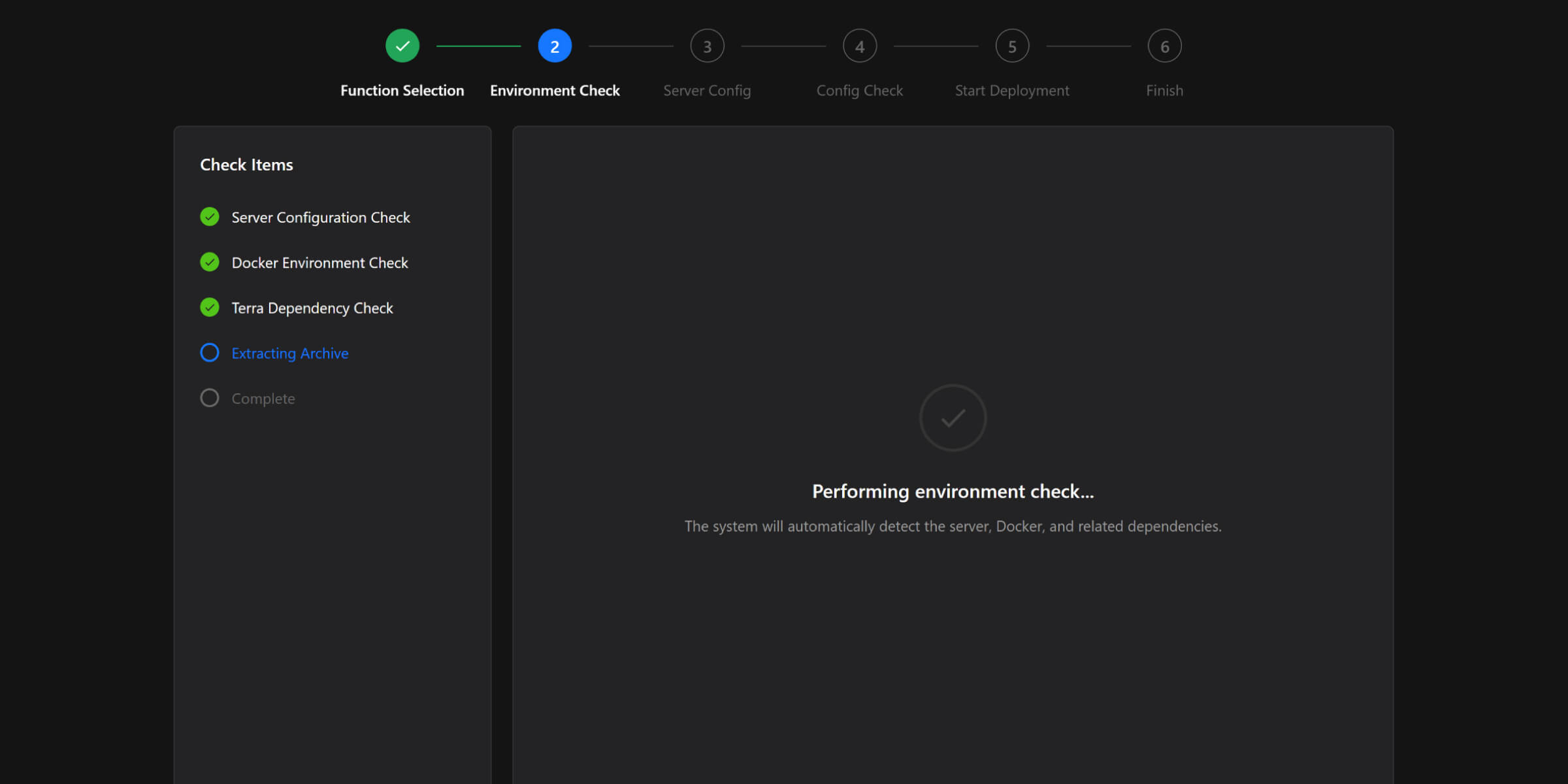
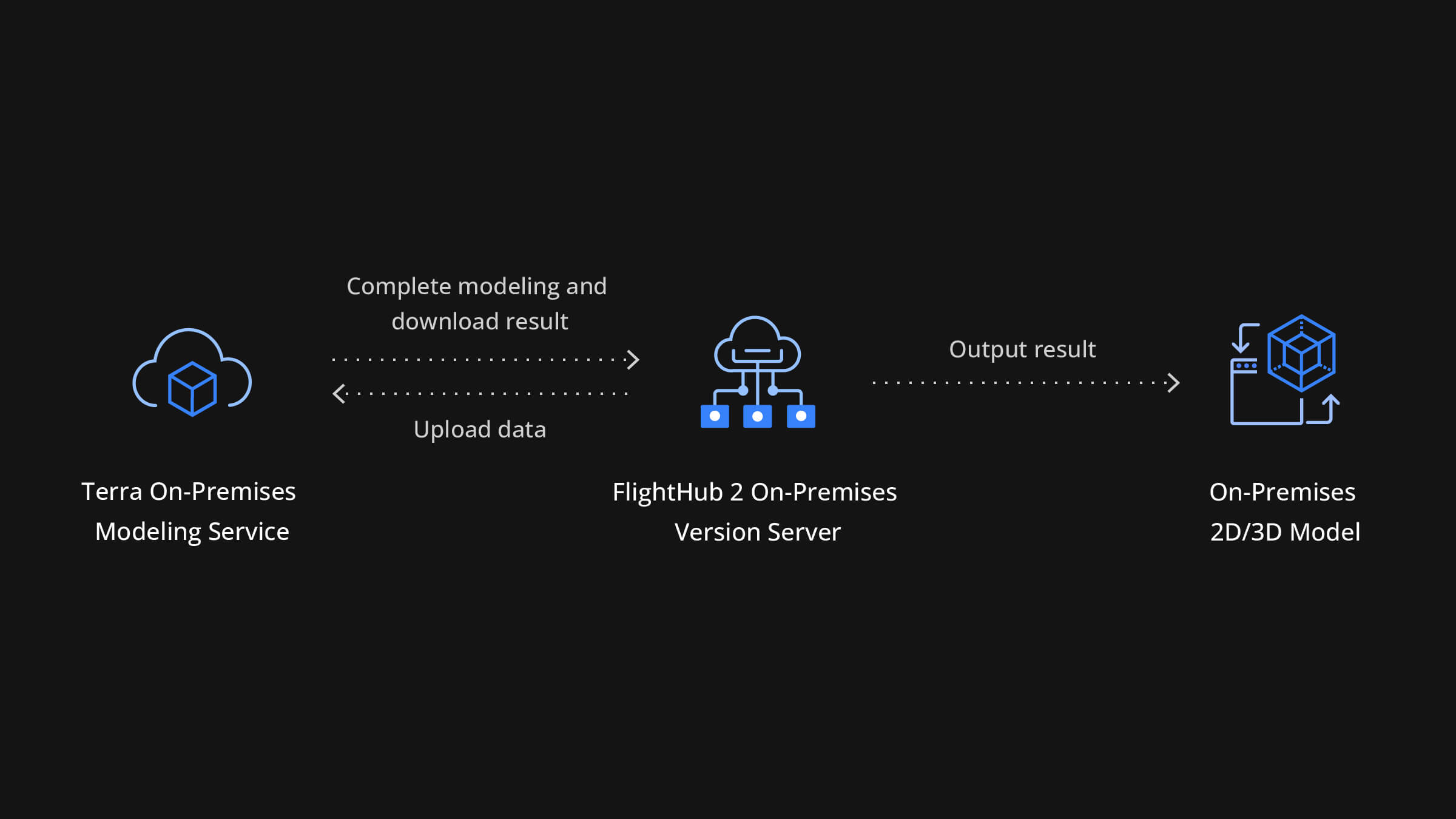
- Mapping and modeling. Generate 2D orthomosaics and 3D models — useful for collision reconstruction and post-fire documentation. DJI Terra can be deployed as a private service on the same internal network, so processing stays local too.
- Fleet and pilot oversight. Track aircraft, batteries, firmware, and flight records across your organization.
The difference is where it runs, not what it does.
Two ways to deploy: software, or the FlightHub 2 AIO
Software-only deployment. Install FlightHub 2 On-Premises on your own server infrastructure. Right choice if you have an IT team, a virtualized environment, and existing hardware standards.
DJI FlightHub 2 AIO. A compact computer — roughly 3 kg, small-form-factor — that ships with FlightHub 2 On-Premises pre-installed. It's not a locked-down black box; it runs Ubuntu 24.04.2 LTS Desktop and you have terminal access. What you're buying is the elimination of the server-provisioning and software-install project. Listed at CAD $22,285 — see the FlightHub 2 AIO User Manual (PDF) for the full deployment guide.
| Component | FlightHub 2 AIO specification |
|---|---|
| CPU | Intel Core Ultra 7 Processor 265 |
| Memory | 64 GB |
| Graphics | NVIDIA RTX 2000 Ada |
| Storage | 3 × 2 TB SSD — 1 system, 2 data (RAID 1 mirroring) |
| Wired network | 4 × 10/100/1000 Mbps RJ45, plus 1 × 1 GbE onboard |
| Wireless | Wi-Fi 802.11be (Wi-Fi 7), 2×2 |
| Ports | 5 × USB-A 3.2 Gen 2, 2 × USB-C 3.2 Gen 2, 3 × DisplayPort 1.4 |
| OS | Ubuntu 24.04.2 LTS Desktop |
Operational notes
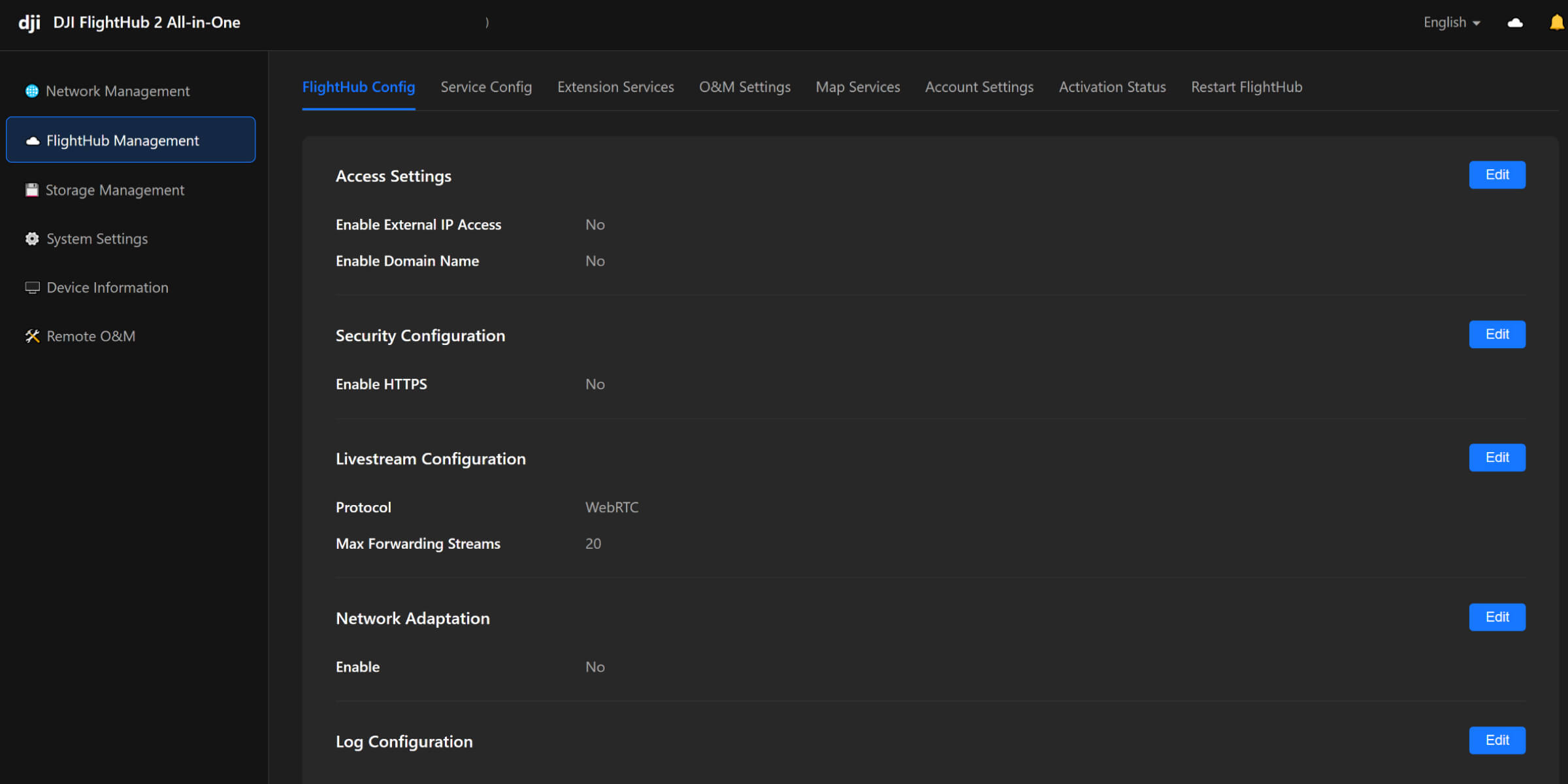
- Capacity: Up to 20 aircraft and docks combined. At full load, resource utilization runs around 80% — so 20 is a real ceiling, not a soft one.
- Deployment time: Guided setup wizard — language, time zone, admin password, network, storage — completed in minutes.
- Data redundancy: RAID 1 by default. A single drive failure does not lose mission data, and the platform provides a guided drive-replacement and rebuild workflow.
- External storage: Mounts NAS (NFS/SMB) or IP SAN (iSCSI) if you need to write to existing agency storage. DJI recommends 150 MB/s+ read/write. Budget roughly 10–15 MB per image and ~1 GB per minute of original video.
- Licensing: A hardware dongle must remain connected during operation. Removing it deactivates services immediately — account for that in your physical security plan.
How it fits your existing network
- Offline basemaps. Upload map tiles (MBTiles or XYZ) and elevation data locally. No calls to external map services.
- Private Terra and 4G services. Point both at internal servers instead of DJI-hosted endpoints.
- HTTPS with your own certificate. Import your agency's CA-issued certificate rather than running self-signed.
- OAuth 2.0 identity integration. Use the local account system or connect to your existing identity provider for centralized credential management.
- SSH disabled by default. Enable only for maintenance, on a non-standard port, restricted by firewall to trusted IPs.
- Remote support is opt-in. DJI remote maintenance is off by default. You enable it, share credentials, and disable it afterward. Nothing sits open.
Aircraft bind through DJI Pilot 2 by pointing at your internal server address. Docks bind via USB connection to the remote controller using the same internal address, an organization ID, and a binding code. No DJI cloud account is required for day-to-day operation.
Where this fits with the rest of your program
On-Premises is the data layer. The aircraft and docks are the field layer. If you're still scoping the field side, the Drone-as-First-Responder overview walks through Dock 3 + M4TD deployment, and the NDAA / Blue UAS options page covers what to do when procurement rules force a non-DJI airframe alongside your DJI fleet.
Next steps
If a data-residency requirement is standing between your agency and a drone program, On-Premises is usually the answer to it. We can walk your IT, legal, and operations stakeholders through the architecture together, scope the deployment against your existing network, and handle the pilot training that goes with it.
Shop the story
Related products in our catalog
Every product below is stocked and supported by Remote Robotic in Canada.
- DJI FlightHub 2 AIO
DJI FlightHub 2 AIO
Pre-installed on-premises appliance — up to 20 aircraft/docks, data stays on your network. CAD $22,285.
View product → - DJI Matrice 4D
DJI Matrice 4D
Dock-native M4D — IP55, ~54 min flight, pairs with Dock 3 for autonomous DFR & BVLOS.
View product → - DJI Matrice 4TD
DJI Matrice 4TD
Dock-native thermal M4TD with NIR aux light — night-ops DFR and thermal patrol.
View product → - DJI Matrice 400
DJI Matrice 400
Flagship enterprise M400 airframe — 59 min flight, 6 kg payload, multi-sensor ready.
View product → - DJI Zenmuse H30T
DJI Zenmuse H30T
Wide + 34× zoom + thermal (1280×1024) + laser rangefinder + NIR — the flagship M400 payload.
View product → - DJI Zenmuse V1 Speaker
DJI Zenmuse V1 Speaker
127 dB aerial loudspeaker with ~500 m range for public safety and crowd communication.
View product →