
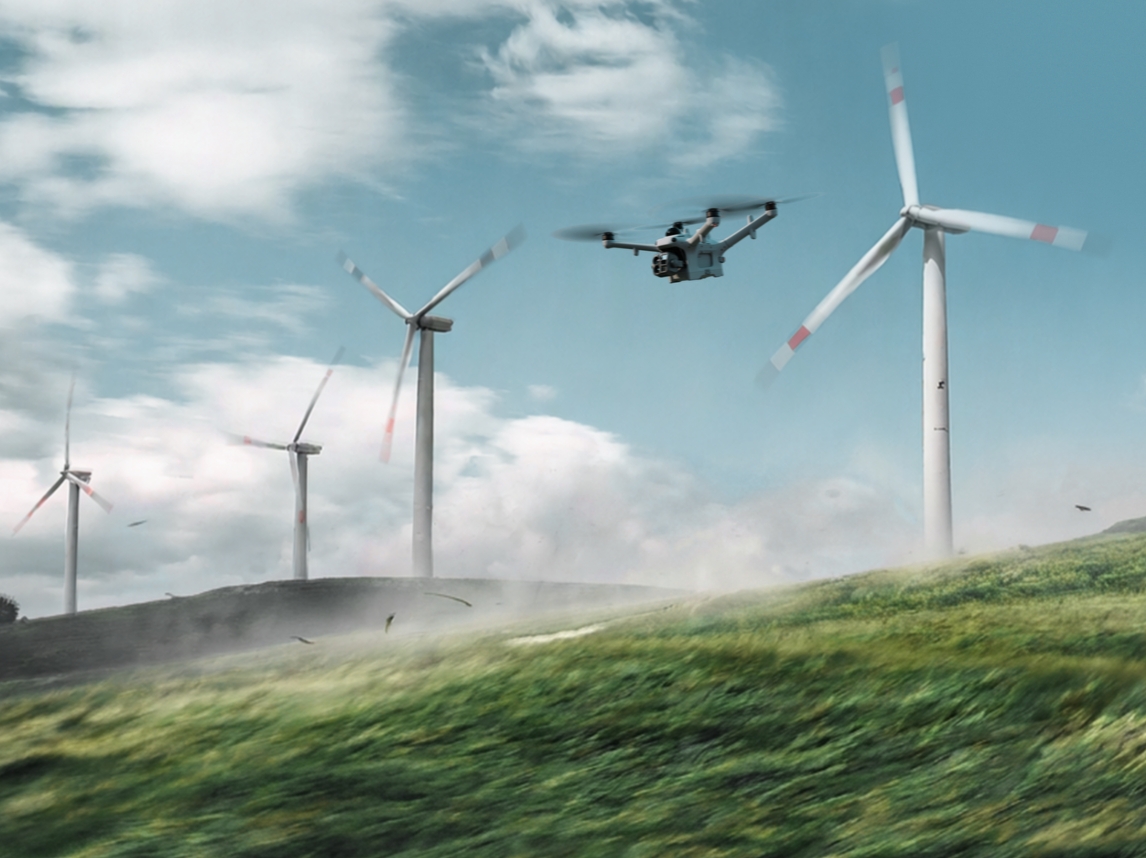
ROC – Remote Operation Center
From Monthly to Hourly: How Remote Drone Operations Change the Frequency of Your Site Data
Remote Robotic's ROC uses automated drones based on your site and licensed remote pilots, so inspections that happened once a month can run daily, or even every hour.
Remote Robotic · October 22, 2026 · 8 min read
Most industrial sites run on old information. A stockpile survey from last month. A facility inspection from last quarter. A pipeline patrol from last season. Decisions get made on data that’s days, weeks or months old, and a lot can change in between.
The reason isn’t that teams don’t want more data. It’s that traditional data collection is expensive and hard to repeat. Every survey means scheduling a crew, driving to site, waiting for good weather and processing results by hand. So inspections happen weekly at best, and more often monthly or less.
Remote Robotic’s Remote Operations Center (ROC) removes those limits. With automated drones based on your site and licensed pilots overseeing missions remotely, data collection is no longer limited by crew availability. Inspections that used to happen once a month can now happen daily, or even every hour.
The problem with infrequent data
What happens between inspections?
When you only see your site once a week or once a month, problems have time to grow:
- A small leak becomes a spill.
- A hot connection becomes an equipment failure.
- A crack on a pit wall becomes a slope failure.
- A stockpile count drifts from reality.
- Erosion along a right-of-way becomes a washout.
- An intruder comes and goes without anyone noticing.
- A flare goes out and stays out.
Infrequent data means you find out after the problem has already grown.
Why data is usually collected infrequently
- Crews and surveyors are limited and expensive
- Remote sites take hours to reach
- Weather cancels or delays trips
- Each survey takes planning and coordination
- Data processing is slow and manual
- Every inspection adds safety exposure
How often can the ROC collect data?
As often as your operation needs.
| Frequency | Example uses |
|---|---|
| Hourly | Security patrols, critical equipment checks, active incidents, high-risk slopes or structures |
| Several times a day | Shift-change site overviews, flare checks, perimeter patrols |
| Daily | Facility inspections, stockpile counts, tailings and dam checks, construction progress |
| Weekly | Site-wide mapping, pipeline corridor patrols, volumetric reports |
| Monthly | Full 3D models, reclamation monitoring, asset records |
| On demand | Alarms, incidents, storms, visits from regulators or clients |
Missions run on a schedule, launch when an alarm triggers them, or fly whenever your team requests one, all without anyone going to site.
Traditional vs ROC data frequency
| Task | Traditional frequency | With the ROC |
|---|---|---|
| Facility inspection | Weekly or monthly | Daily or several times a day |
| Stockpile volumes | Monthly | Daily or weekly |
| Pipeline patrol | Monthly or quarterly | Weekly or daily |
| Flare check | During site visits | Several times a day |
| Pit wall or slope visual check | Weekly | Daily or hourly during high-risk periods |
| Tailings dam visual check | Weekly or monthly | Daily |
| Substation thermal scan | Annually or quarterly | Weekly or monthly |
| Construction progress | Weekly or monthly | Daily |
| Perimeter security patrol | Limited by guard shifts | Hourly, day and night |
| Post-storm damage check | When crews can get there | Within minutes of the storm passing |
Why more frequent data matters
01
Catch problems earlier
The more often you look, the sooner you see a change. A hot spot found today can be fixed during planned maintenance. Found next month, it might already have failed.
02
See trends, not just snapshots
One inspection shows a moment in time. Daily or hourly data shows how fast things are changing: whether a crack is growing, a stockpile is shrinking, a hot spot is getting hotter or erosion is speeding up.
03
Make decisions on current information
Production planning, maintenance scheduling, inventory and security decisions are based on today’s conditions, not last month’s.
04
Respond faster
When missions can launch any time, an alarm or incident gets an aerial view in minutes, not hours.
05
Build a stronger record
Frequent, time-stamped data creates a detailed history of your site for audits, regulators, insurers, investigations and disputes.
06
Reduce surprises
Fewer unexpected failures, inventory gaps and incidents means fewer emergency call-outs and less unplanned downtime.
Frequent data is only useful if it’s consistent
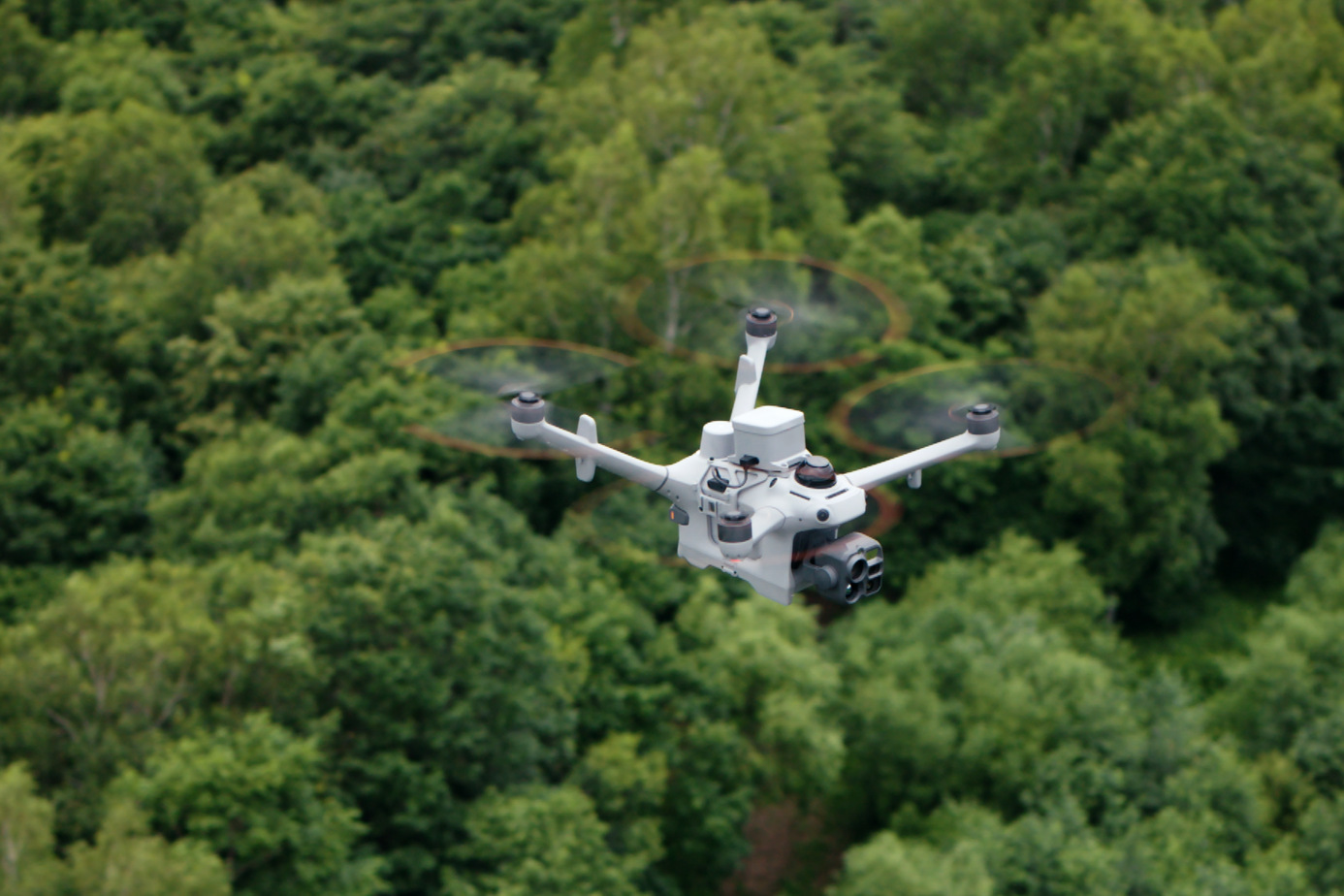
Collecting data hourly doesn’t help if every flight looks different. ROC missions are built to be repeatable:
- Saved routes: the same flight path every time
- Fixed inspection points: the same position, angle and zoom on every flight
- AI change detection: automatically highlights what’s different since the last flight
- AI spot-checks: areas you flag are compared on every mission
- Consistent mapping: the same pattern and settings for reliable volumes and 3D models
That means your team reviews changes and alerts, not thousands of images.
More data, less work for your team
More frequent data could mean more to review. The ROC is designed so it doesn’t:
- Automatic upload: imagery and video are delivered after every flight.
- AI flags what matters: anomalies, changes, people and vehicles are highlighted automatically.
- Alerts, not inboxes: your team is notified when something needs attention.
- Organized records: data is sorted by site, asset, date and inspection point.
- Reports on your schedule: daily summaries, weekly volumes, monthly overviews.
Frequency by industry
Oil and gas
- Several times a day
- flare checks and facility overviews
- Daily
- well pad inspections for leaks, spills and equipment condition
- Weekly
- pipeline corridor patrols
- On alarm
- immediate response to SCADA, gas and security alerts
Mining
- Daily
- stockpile volumes for current inventory
- After every blast
- post-blast surveys
- Daily or hourly
- pit wall and tailings dam checks during high-risk periods
- Daily
- thermal scans of conveyors and infrastructure
Utilities
- Weekly or monthly
- substation thermal scans
- Daily
- solar farm and site checks
- After every storm
- rapid damage assessment
- On alarm
- outage and security response
Construction
- Daily
- progress capture from the same viewpoints
- Weekly
- cut-and-fill and stockpile volumes
- Nightly
- after-hours security patrols
Security
- Hourly
- perimeter patrols, day and night
- On alarm
- immediate launch with live video
- Continuous
- overwatch during active incidents
Adjust frequency as conditions change
Your data needs aren’t the same every day. The ROC lets you change how often missions run without adding crews:
- Raise the frequency during spring thaw, storms, wildfire season, active blasting, construction milestones or after an alarm.
- Lower the frequency when conditions are stable.
- Add missions on demand for inspections, audits or client visits.
What makes hourly data possible
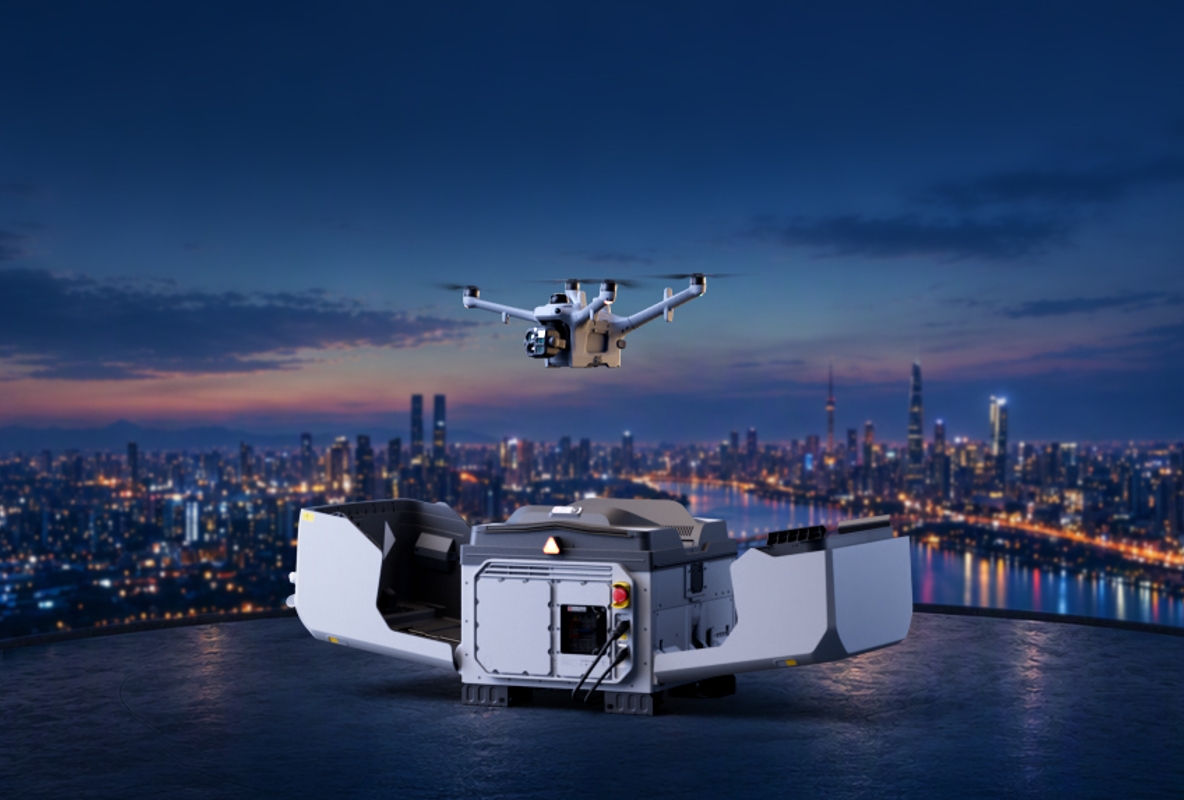
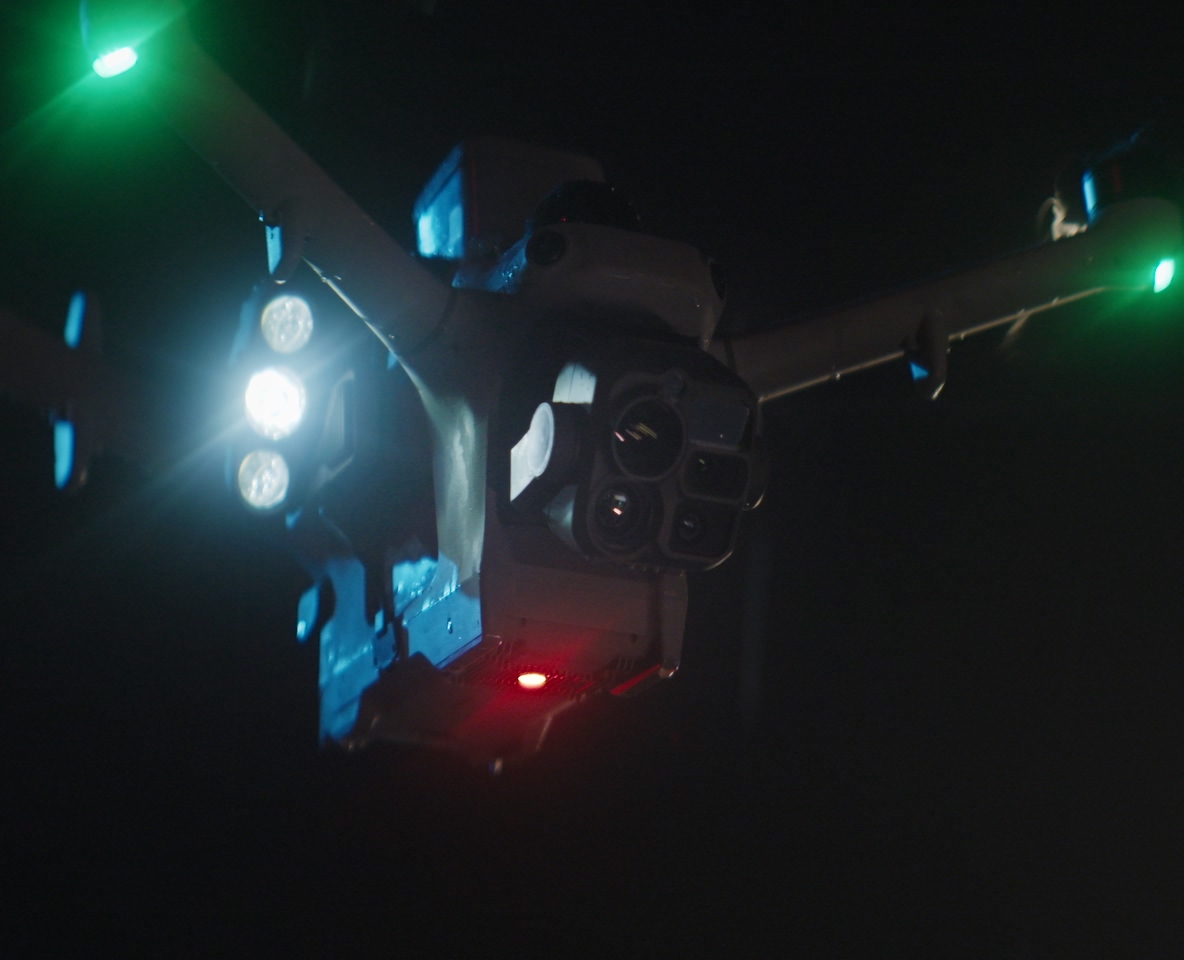
- Drones based on site: no travel time between missions
- Automatic launch, landing and recharging: ready for the next flight
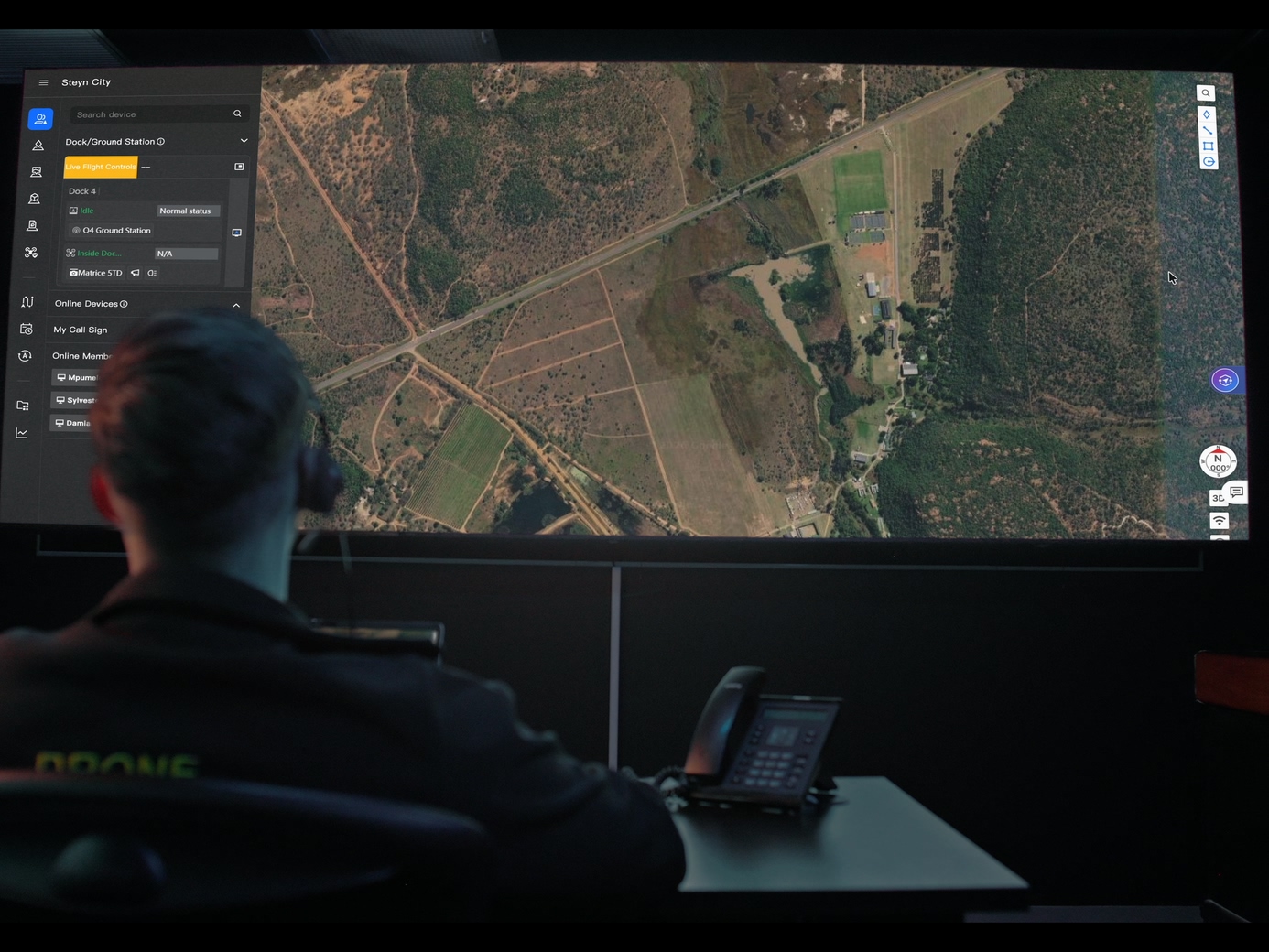
- Remote pilots: licensed oversight from the ROC, 24/7/365
- Automatic weather checks: flights hold safely when conditions aren’t suitable
- Automated data processing: results delivered after every flight
Actual frequency depends on site size, mission length, weather and regulatory requirements. We’ll design a schedule that fits each site.
Getting started
- 1
Tell us what you need to know, and how often. Which assets, which risks and which decisions depend on current data.
- 2
We design the mission schedule. Hourly, daily, weekly or event-driven, matched to each site.
- 3
We deploy. Drones and equipment are installed and commissioned on site.
- 4
We fly. Missions run on schedule, overseen by licensed pilots.
- 5
You get current data. Imagery, thermal reports, maps, volumes and alerts, delivered continuously.
Frequently asked questions
How often can the ROC collect data?
As often as your operation needs, from monthly surveys to daily inspections to hourly patrols, plus on-demand flights whenever an alarm or request comes in.
Does more frequent data cost a lot more?
No. With the drone based on site and missions automated, extra flights don’t need extra crews, travel or setup. We’ll match the schedule to your budget and priorities.
Won’t hourly data overwhelm our team?
No. AI flags changes and anomalies, and your team gets alerts and summaries instead of raw images.
Can we change the frequency later?
Yes. You can increase or reduce how often missions run as conditions and priorities change.
Can missions run at night?
Yes. Thermal and night imaging support 24/7 operations.
What about bad weather?
Flights hold automatically when conditions aren’t safe and resume once they improve.
Do we need anyone on site?
No. You only need power and a network connection at the drone’s base on site.
Get started
Stop making decisions on last month’s data. Book a ROC briefing and we’ll design a data schedule (hourly, daily, weekly or on demand) around your sites and the decisions that depend on them.
Request a briefing with the ROC form below or call 416-303-3575.
ROC program
Talk to the ROC team
Shop the story
Related products in our catalog
Every product below is stocked and supported by Remote Robotic in Canada.