
ROC – Remote Operation Center
How to Get Started with the ROC: From Briefing to First Mission
Nine steps from your first ROC briefing to automated missions: program design, site assessment, approvals, installation, mission setup and 24/7 operations, with most of the work on our side.
Remote Robotic · October 27, 2026 · 9 min read
Moving to automated drone operations can sound like a big project. In practice, it’s a straightforward process, and most of the work is on our side.
With Remote Robotic’s Remote Operations Center (ROC), you don’t buy equipment, hire pilots or build a drone program from scratch. We handle the site survey, regulatory approvals, installation, commissioning and day-to-day operations. Your job is to tell us what you need to know about your site, and how often.
This guide walks through every step, from your first briefing to your first automated mission and beyond.
The process at a glance
| Step | What happens | Who’s involved |
|---|---|---|
| 1. ROC briefing | We learn about your sites, goals and data needs | Your operations, HSE or security lead and the ROC team |
| 2. Program design | We recommend missions, schedules and deliverables | ROC team, with your review |
| 3. Site assessment | We survey each site for placement, power, connectivity and airspace | ROC team, plus your site contact |
| 4. Approvals | We handle regulatory filings and airspace requirements | ROC team |
| 5. Site preparation | Power, network and a pad are made ready | Your site team or contractor, with our guidance |
| 6. Installation and commissioning | Equipment is installed, connected, calibrated and tested | ROC team and authorized installers |
| 7. Mission setup | Routes, inspection points, alerts and data delivery are configured | ROC team, with your review |
| 8. First missions | Missions go live, and we review the results with you | ROC team and your team |
| 9. Ongoing operations | Missions run on schedule, overseen 24/7 | ROC team |
Step 1: ROC briefing
Everything starts with a conversation. In the briefing, we’ll ask about:
- Your sites: how many, where they are and what’s on them
- Your goals: inspections, security, mapping, volumes, thermal monitoring or incident response
- Your data needs: what you need to know and how often, whether hourly, daily, weekly or on demand
- Your current approach: manual inspections, guards, contractors or an existing drone program
- Your systems: alarms, cameras, SCADA, GIS or asset management systems that the ROC could work with
- Your stakeholders: who’ll use the data, who approves the program and who needs alerts
What to bring: a list of sites, a rough idea of your priorities and any site maps you have. That’s all.
Step 2: Program design
Based on the briefing, we design a program around your operation:
- Mission types: scheduled inspections, patrols, mapping, thermal surveys and alarm response
- Schedules: how often each mission runs at each site
- Deliverables: inspection photos, thermal images, maps, 3D models, volumes, alerts and reports
- Alert routing: who gets notified, and how
- Service level: from best-effort to guaranteed dispatch, depending on how critical each site is
- Rollout plan: which sites go first, and how the program grows
Start small: most clients begin with one site and one or two high-value missions, then expand once they’ve seen the results.
Step 3: Site assessment
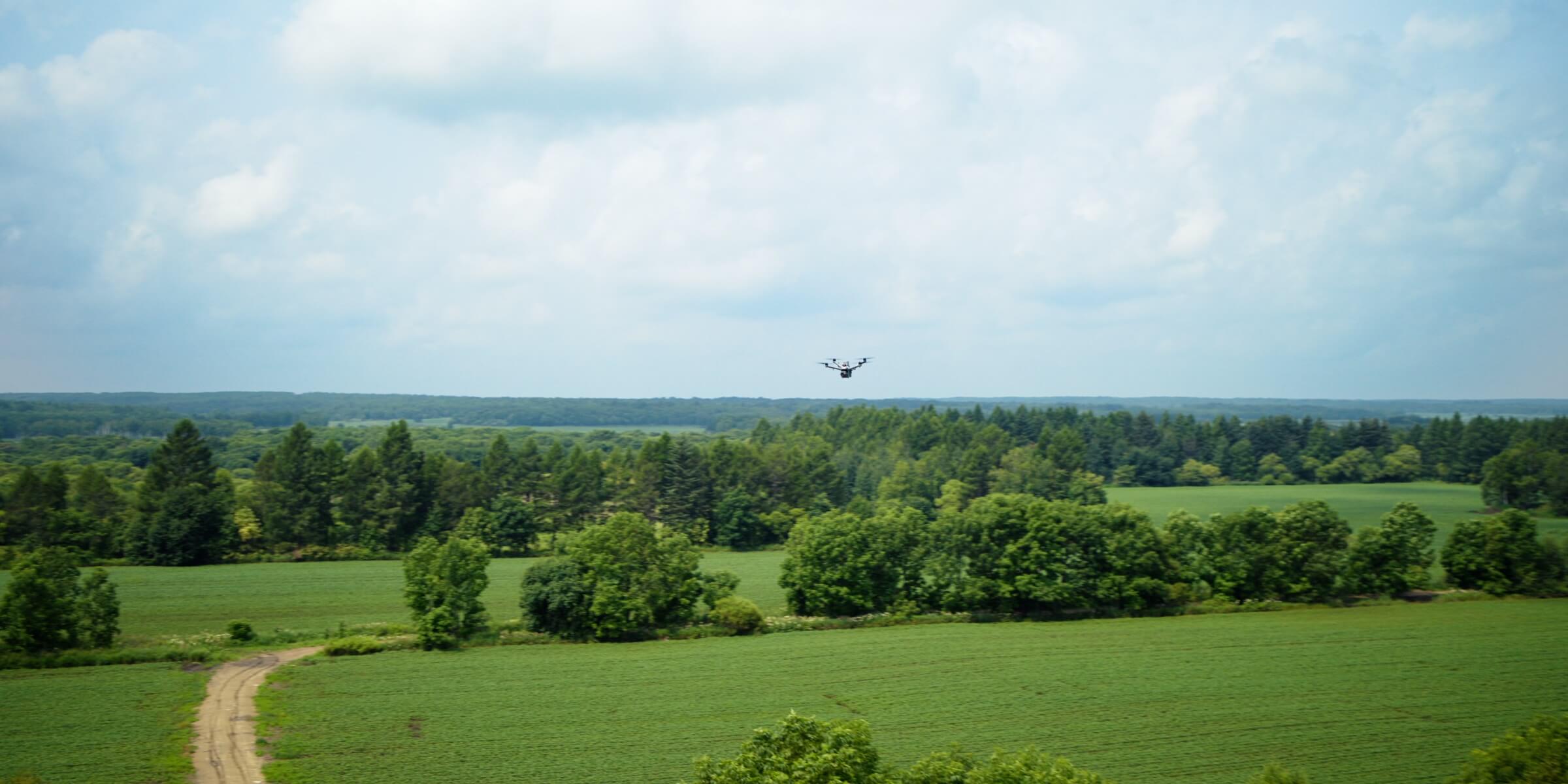
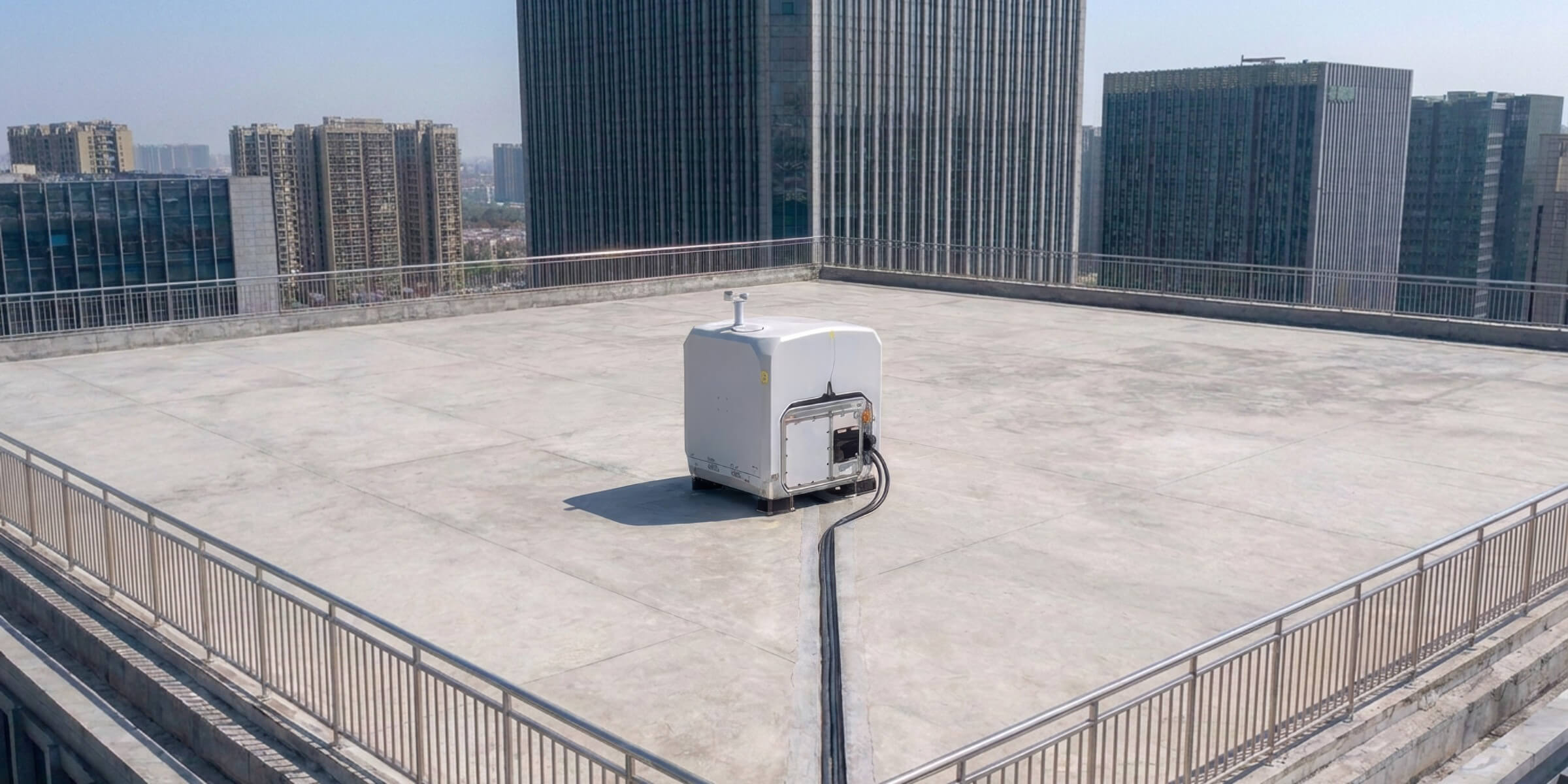
We survey each site to make sure the equipment is placed for safe, reliable operations.
What we assess
Placement
an open area with clear sky for launching and landing
Coverage
a location that reaches all the assets you need monitored
Power
access to a stable power supply
Connectivity
Ethernet or cellular coverage for remote operations
Airspace
nearby airports, controlled airspace and other restrictions
Hazards
structures, power lines, towers, trees and anything else that could affect flights
Access
how equipment will be delivered, installed and serviced
Environment
wind exposure, drainage, snow load and other local conditions
What you’ll receive
A recommended location for the equipment, a list of site preparation requirements, and any approvals that will be needed.
Step 4: Approvals
Drone operations in Canada are regulated by Transport Canada. The ROC team handles the regulatory side, including:
- Flight authorizations for your sites and mission types
- Airspace coordination where it’s required
- Operational procedures and risk assessments for each site
- Documentation for your records and audits
The time this takes depends on your sites’ location, airspace and mission types. We’ll give you a clear timeline during the site assessment.
Step 5: Site preparation
Every site needs a few basics. We provide a detailed checklist for each site.
Typical site requirements
| Power | a stable AC power supply at the equipment location |
|---|---|
| Network | a wired internet connection or reliable cellular coverage |
| Pad | a level, stable surface for the equipment |
| Open sky | clear space above for takeoff and landing |
| Access | a way to deliver and service the equipment |
Who does what
- Your team or contractor: usually provides power, network access and the pad, using our specifications
- ROC team: supplies and installs the equipment, and handles everything from there
Remote sites: if a site has limited power or connectivity, we’ll work with you to find a solution.
Step 6: Installation and commissioning
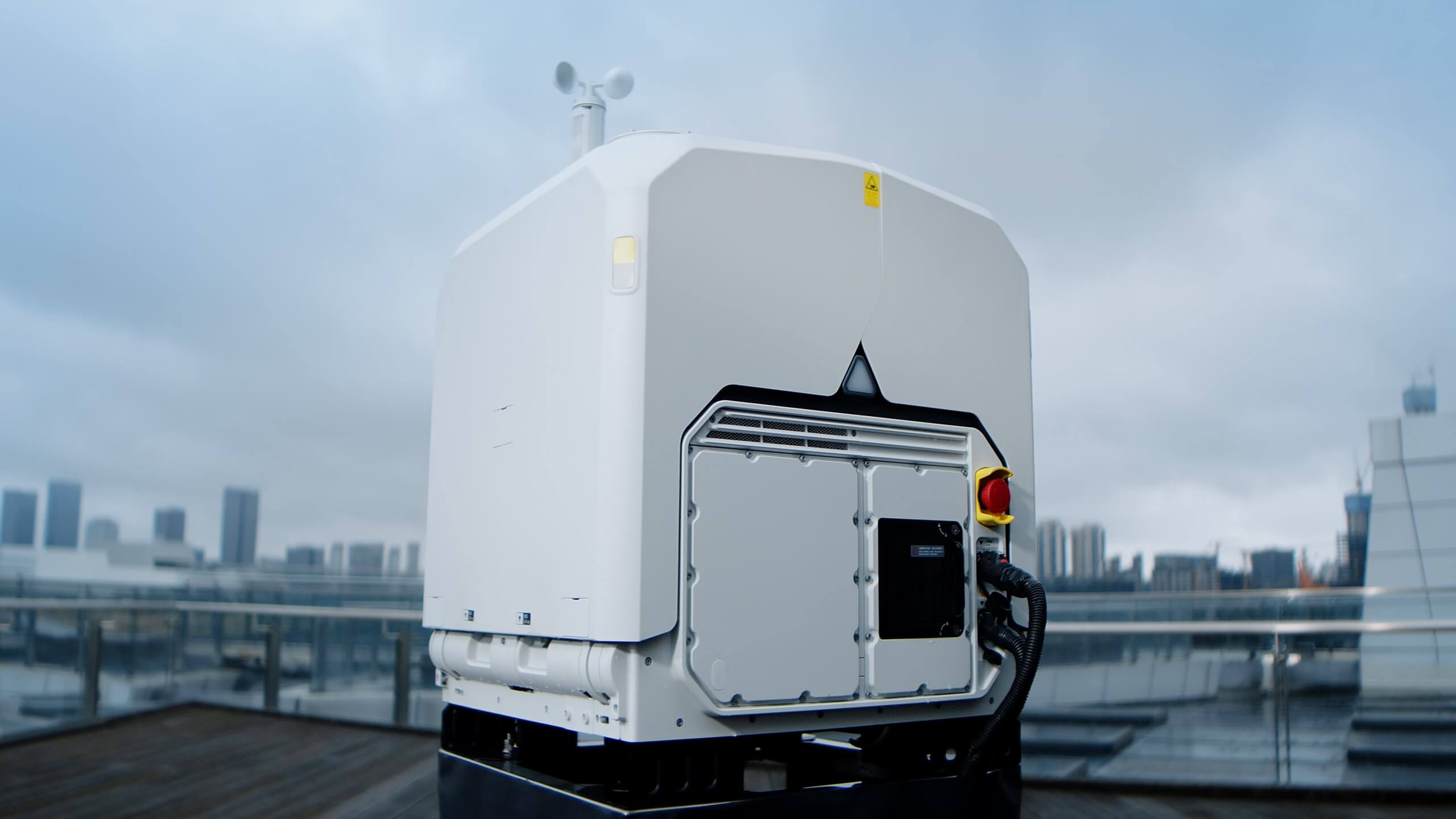
Once the site is ready, the equipment is installed and brought online.
- 01Installation: the equipment is installed and secured by trained, authorized installers.
- 02Network commissioning: the connection to the ROC is set up and tested.
- 03Calibration: positioning and systems are calibrated for accurate, repeatable flights.
- 04Safety configuration: geofences, return paths and weather limits are set for your site.
- 05Test flights: we fly test missions to confirm everything works as expected.
- 06Handover: we confirm the site is ready for live operations.
Your involvement: a site contact for access and coordination on installation day.
Step 7: Mission setup
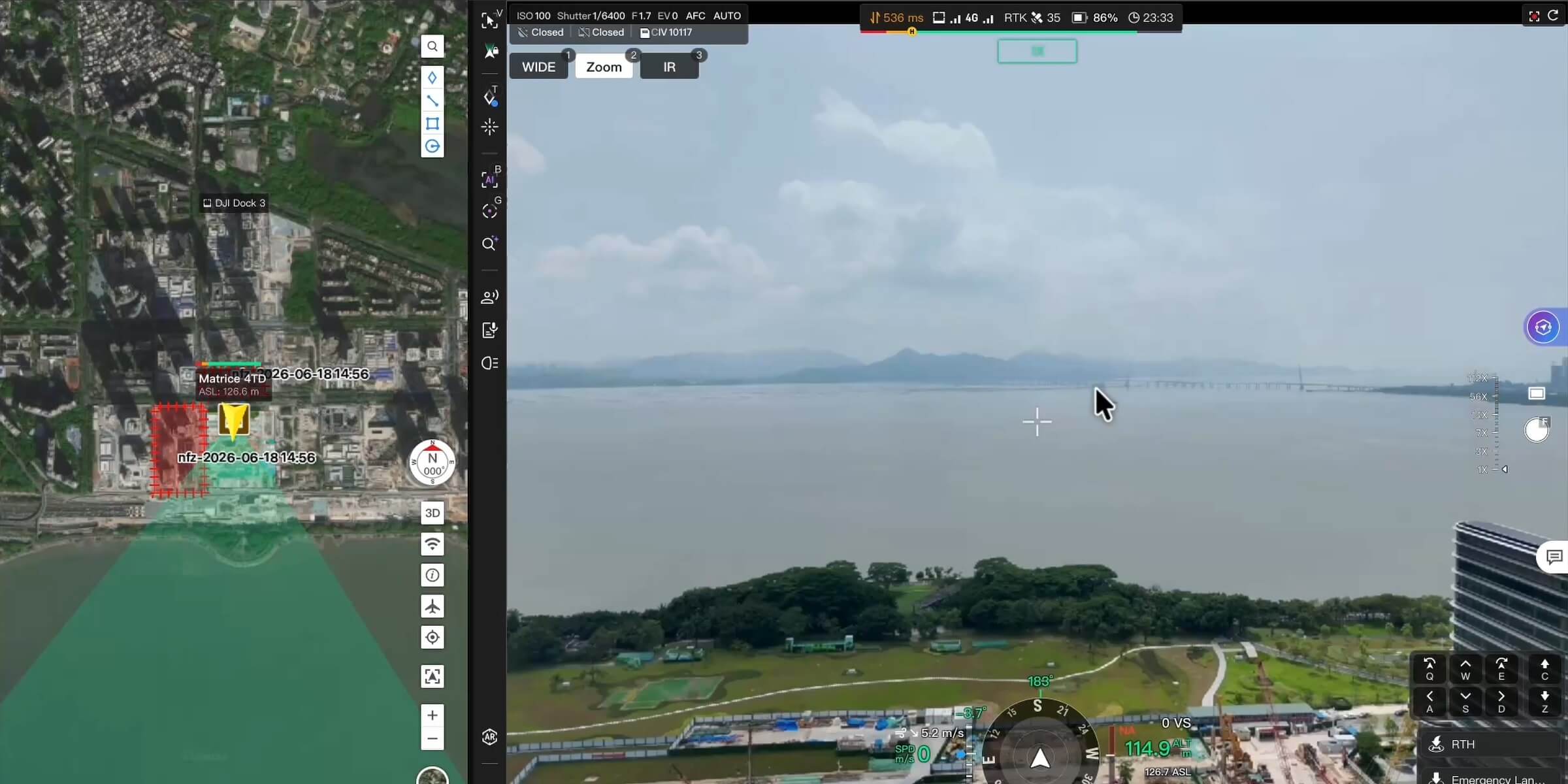
With the equipment live, we build the missions designed in Step 2.
- Routes: planned around your actual assets, using your site maps and GIS data where available
- Inspection points: saved positions, angles and zoom levels for repeatable data
- Schedules: missions set to run when you need them
- Alarm triggers: response flights linked to your alarm systems, where that’s part of the program
- AI detection and thresholds: people and vehicle detection, temperature alerts and detection zones
- Data delivery: where and how your team receives imagery, reports and alerts
- User access: who can view live video, data and records
You review and approve the mission plan before it goes live.
Step 8: First missions
Your first missions are a chance to confirm everything works the way you need it to.
- First flights: missions run on schedule, overseen by licensed ROC pilots.
- Data review: we walk through the first results with your team.
- Fine-tuning: we adjust routes, angles, schedules, thresholds and deliverables based on your feedback.
- Alert testing: we confirm notifications reach the right people.
- Baseline: the first missions set the baseline for future comparisons and change detection.
Step 9: Ongoing operations
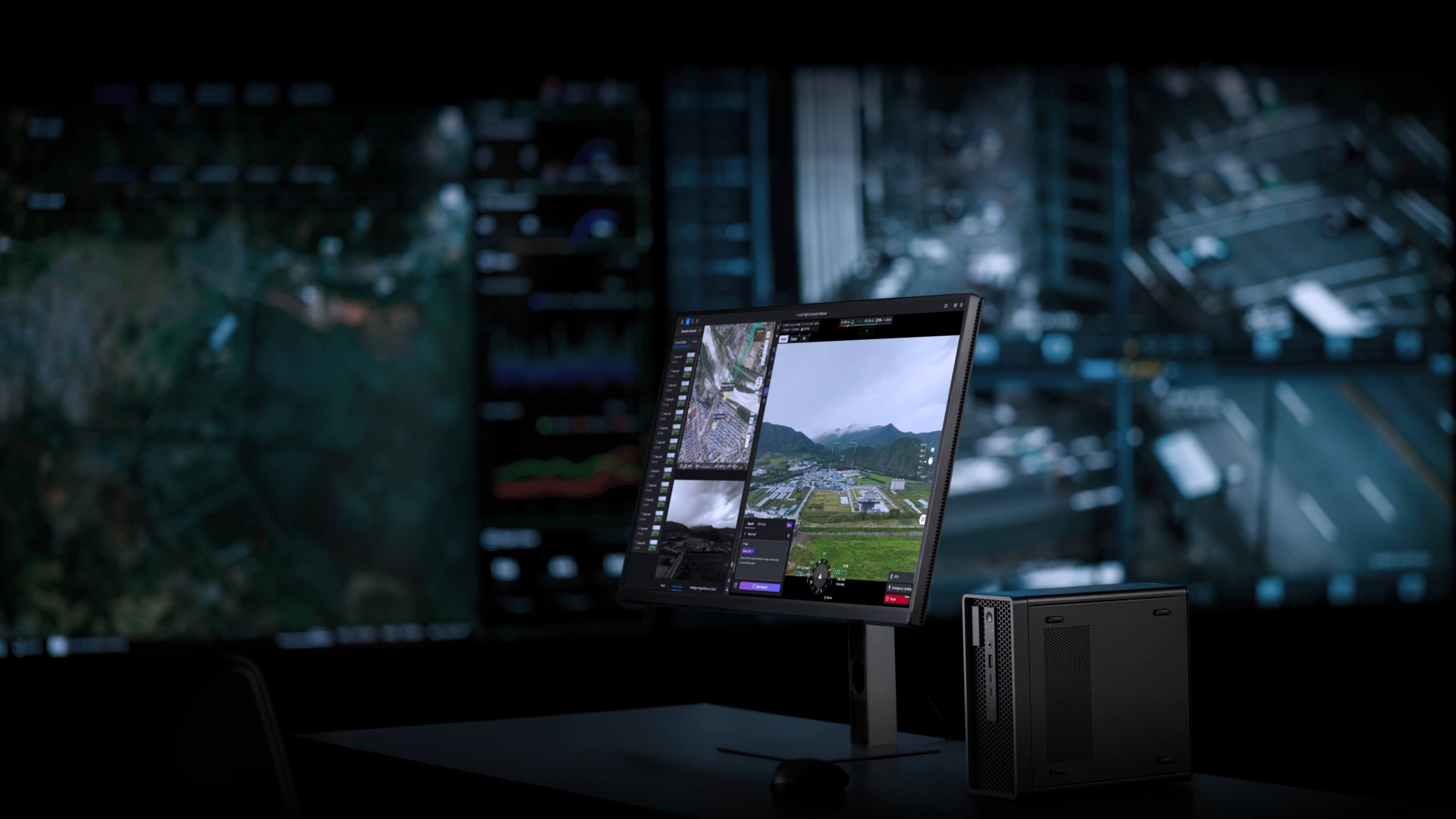
Once the program is running, the ROC takes care of it day to day.
- 24/7/365 oversight by licensed pilots
- Automatic weather holds and missed-mission escalation
- Maintenance: preventive maintenance, repairs, updates and replacement hardware
- Data delivery: imagery, thermal reports, maps, volumes and alerts after every mission
- Compliance records: flight logs and chain-of-custody documentation
- Regular reviews: check-ins to review results and adjust the program
Growing the program
When you’re ready, adding missions or sites follows the same process, with the same standards and the same reporting. There’s no need to start over.
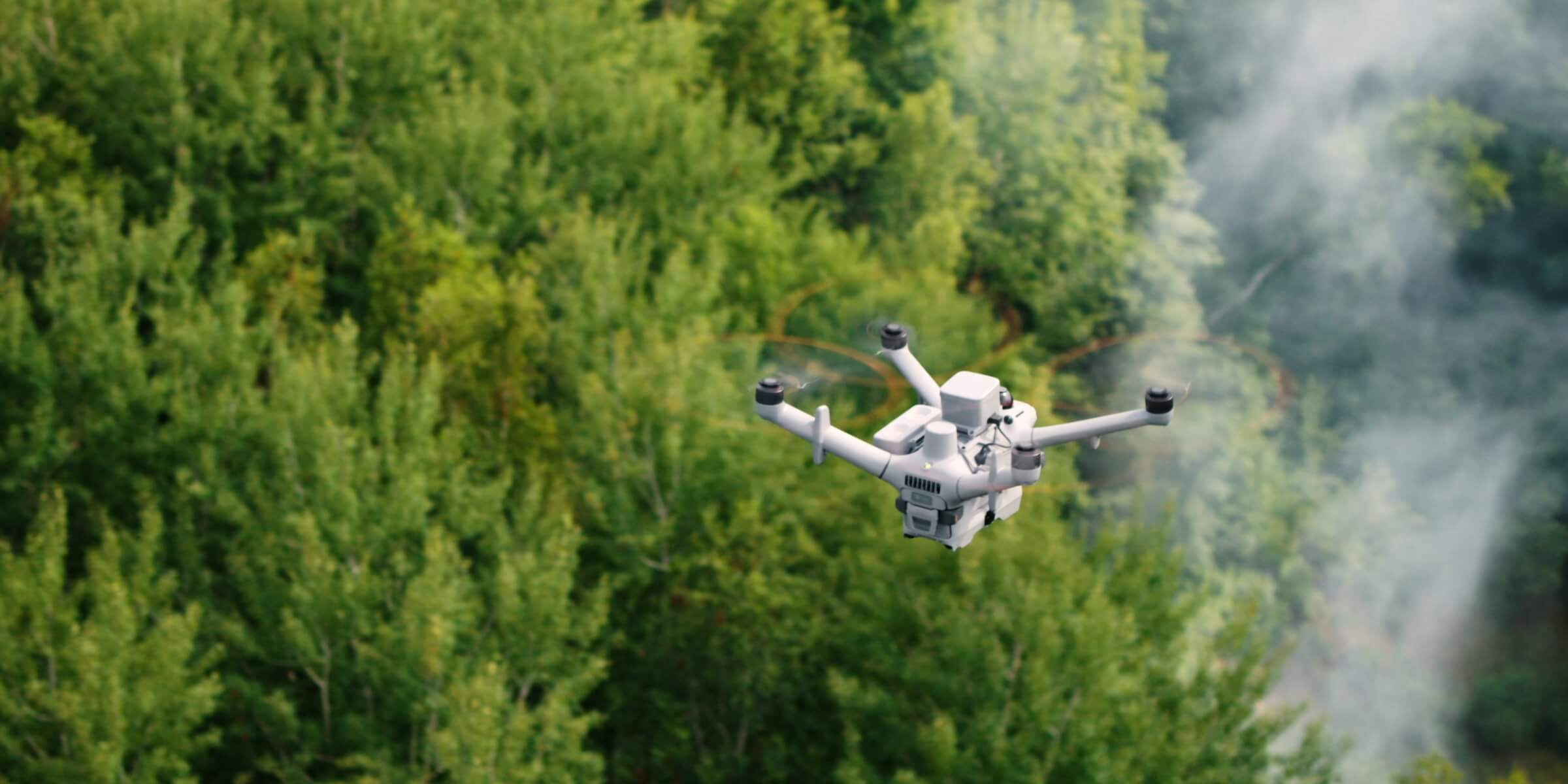
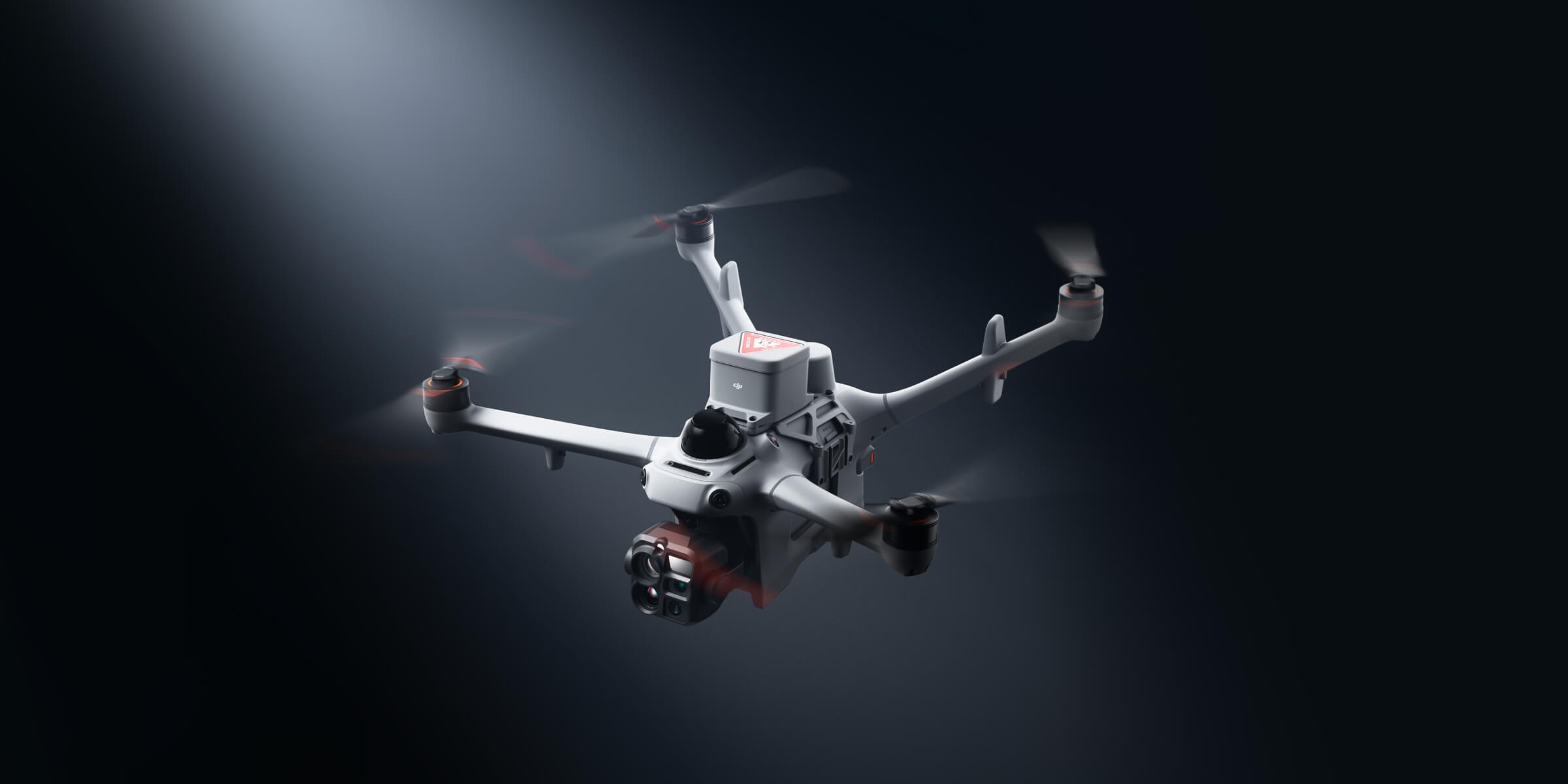
ROC programs run on DJI Dock 4 with the DJI Matrice 5TD, and on DJI Dock 3 with the DJI Matrice 4TD.
What we need from you
| Item | When |
|---|---|
| A list of sites and priorities | Briefing |
| Site maps, layouts or GIS data (if available) | Program design |
| A site contact for access | Site assessment and installation |
| Power, network and a pad, to our specifications | Site preparation |
| Alarm system details (for alarm response) | Mission setup |
| Names of people who need data and alerts | Mission setup |
| Feedback on the first results | First missions |
What we handle
- Program design and mission planning
- Site assessments
- Regulatory approvals and documentation
- Equipment supply, installation and commissioning
- Licensed pilot oversight, 24/7/365
- Maintenance, repairs and hardware upgrades
- Data processing and delivery
- Compliance records
How long does it take?
Timelines depend on:
- The number of sites: in your first rollout
- Site readiness: whether power and network are already available
- Airspace and approvals: location and mission types
- Integrations: connecting to alarms or other systems
- Equipment availability
Most programs launch in weeks, not quarters. We’ll give you a site-by-site timeline after the site assessment.
Tips for a smooth start
- 01
Start with your highest-value site, where better data or faster response makes the biggest difference.
- 02
Choose one or two missions first, then add more once the program is running.
- 03
Name a single point of contact to keep things moving.
- 04
Share your site maps early, because they speed up planning.
- 05
Check power and network early. They’re the most common causes of delays.
- 06
Involve your end users, so the data and alerts are set up the way they’ll actually use them.
Frequently asked questions
How do we get started?
Book a ROC briefing. We’ll learn about your sites and goals, and recommend a program.
Do we need to buy any equipment?
No. We supply, install and maintain all the equipment.
Do we need drone pilots or training?
No. Licensed ROC pilots oversee every mission remotely, and no drone training is needed on site.
What does our site need?
Typically a stable power supply, a network connection, a level pad and open sky. We’ll give you a detailed checklist.
Who handles regulatory approvals?
We do, including flight authorizations, airspace coordination and documentation.
Can we start with one site?
Yes. Most clients start with one site and expand once they’ve seen the results.
How long until our first mission?
Most programs launch in weeks. We’ll confirm a timeline after the site assessment.
What happens after the first missions?
Missions run on schedule, overseen 24/7. We handle maintenance and deliver data after every mission, with regular reviews to adjust the program.
Get started
The first step is a conversation. Book a ROC briefing and we’ll design a program around your sites, your goals and the data you need.
Request a briefing with the ROC form below or call 416-303-3575.
ROC program
Talk to the ROC team
Shop the story
Related products in our catalog
Every product below is stocked and supported by Remote Robotic in Canada.
- DJI Dock 4
DJI Dock 4
DJI's first battery-swapping dock — ~25-second swaps for 24/7 operations, −40°C to 50°C, IP56. Pairs with the Matrice 5TD.
View product → - DJI Matrice 5TD
DJI Matrice 5TD
Dock 4 aircraft with wide + 1280×1024 thermal cameras, mmWave radar and LiDAR — 59 min flight, 3,000 m laser rangefinder.
View product → - DJI Dock 3
DJI Dock 3
Automated dock for Matrice 4D and Matrice 4TD remote inspection programs.
View product → - DJI Matrice 4TD
DJI Matrice 4TD
Dock-native thermal M4TD with NIR aux light — night-ops DFR and thermal patrol.
View product →