
ROC – Remote Operation Center
Construction Site Security and Monitoring with the ROC: 24/7 Aerial Protection for Your Projects
24/7 construction site security with the ROC: scheduled patrols, alarm-triggered drone response, AI detection of people and vehicles, thermal night coverage, speaker and spotlight deterrence.
Remote Robotic · October 29, 2026 · 8 min read
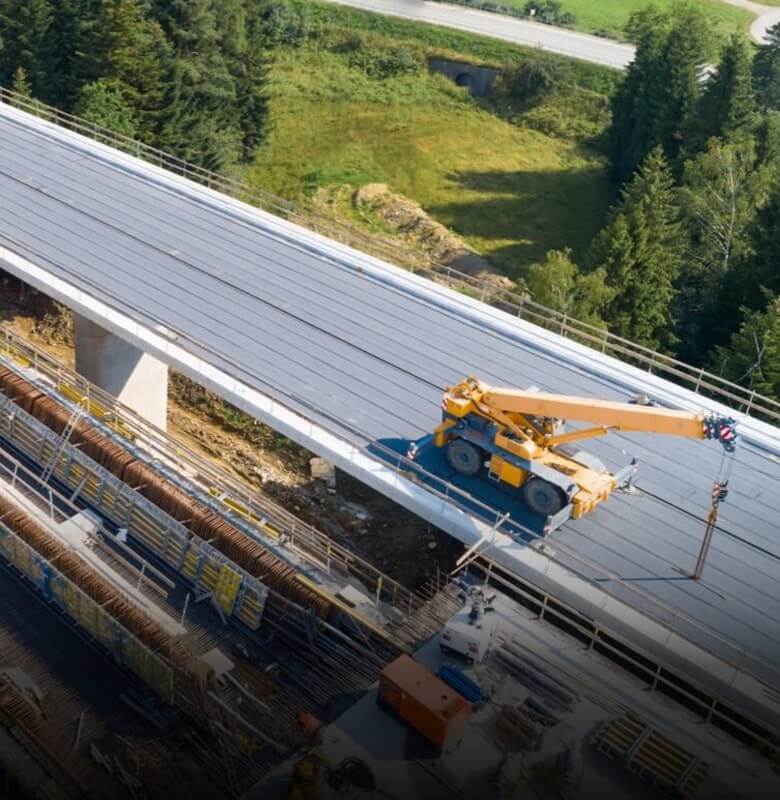
Construction sites are some of the easiest targets for theft and vandalism. They’re full of high-value equipment, tools, fuel, copper and materials. They’re often open or lightly fenced, change layout every week, and sit empty every night and weekend. A single theft can mean lost equipment, project delays, insurance claims and higher premiums.
Traditional security only goes so far. Guards are expensive and can’t watch every corner of a large site. Fixed cameras have blind spots, can’t follow an intruder, and need to be moved as the site changes. When an alarm goes off at 2 a.m., someone has to decide whether to drive out and check it.
Remote Robotic’s Remote Operations Center (ROC) adds a new layer of protection. Automated drones based on site patrol on schedule, launch automatically when an alarm goes off, detect people and vehicles with AI, and stream live video to your team. Licensed pilots oversee every mission remotely, 24/7/365.
Your site stays watched after the crews go home.
The security challenges construction sites face
- Equipment theft: excavators, loaders, skid steers, generators, light towers and attachments
- Tool and material theft: copper wire, lumber, steel, fixtures and small tools
- Fuel theft: from equipment and on-site tanks
- Vandalism: damage to equipment, structures and finished work
- Trespassing: unauthorized people on hazardous sites, a major safety and liability risk
- After-hours exposure: sites are empty overnight, on weekends and over holidays
- Changing layouts: security coverage needs to keep up as the project grows
- Multiple projects: hard to secure several sites at once
How the ROC protects your site
01Scheduled after-hours patrols
Automated patrols run on a set schedule once crews leave: hourly overnight, at shift changes, or over weekends and holidays. The drone covers fence lines, gates, laydown yards, equipment parking, fuel storage and the building itself.
02Alarm-triggered response
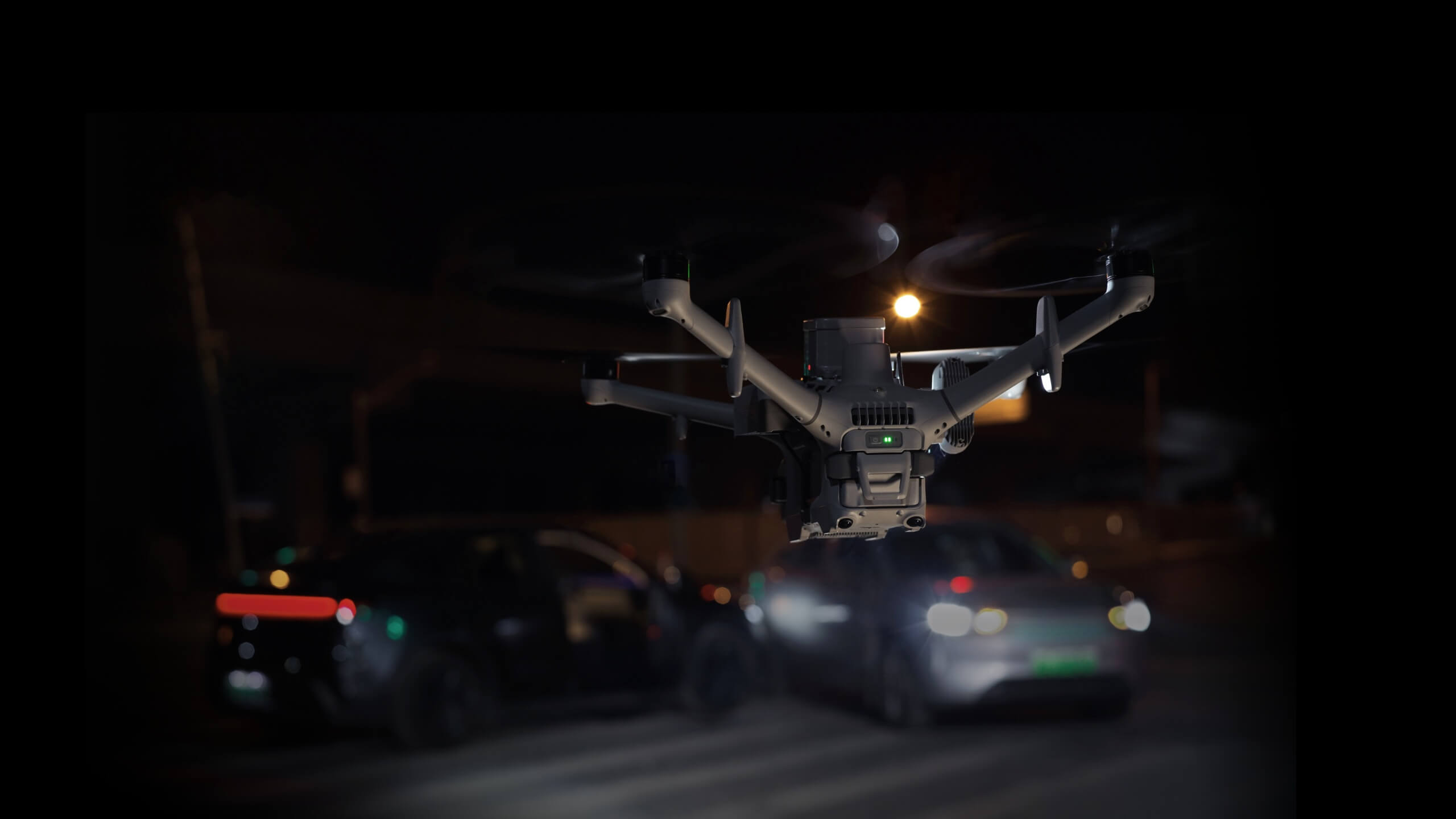
When a fence sensor, camera, motion detector or access control system raises an alarm, the drone launches automatically and flies to the location, streaming live video to your team and the ROC.
03AI detection of people and vehicles
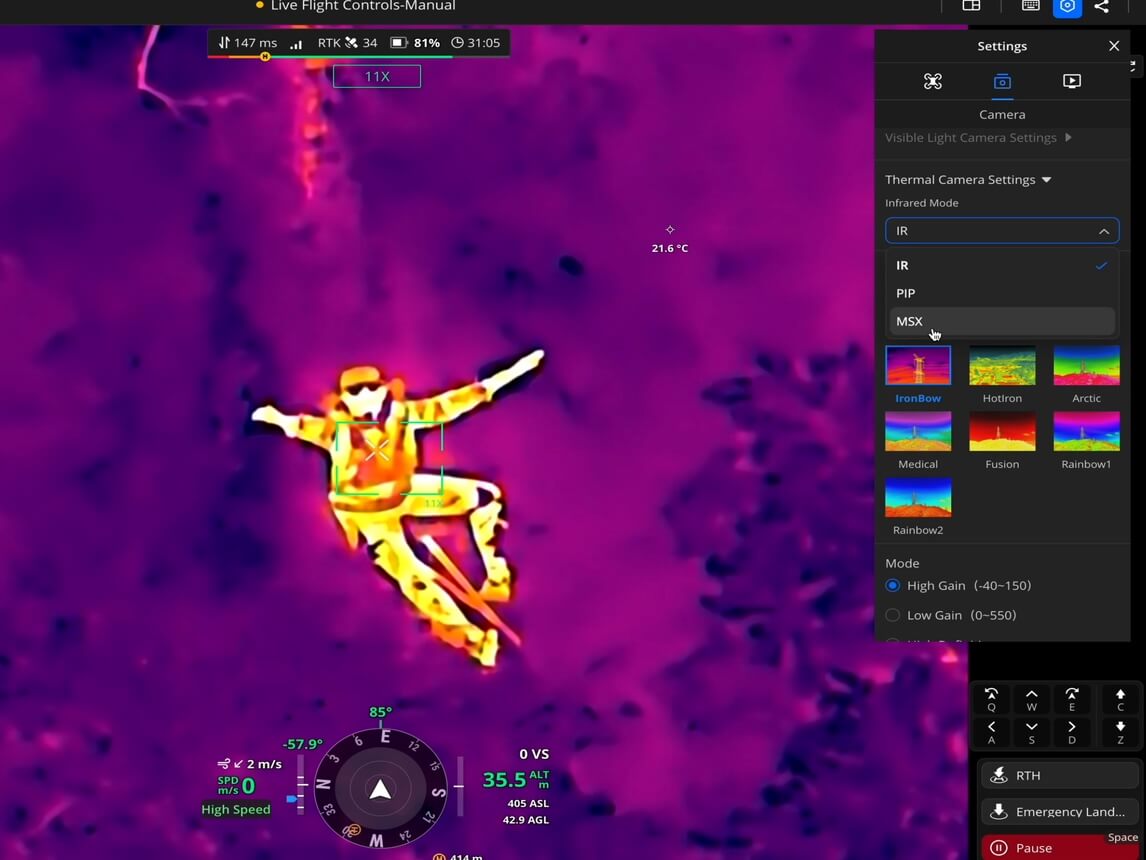
Onboard AI recognizes people and vehicles in both visible and thermal imagery. Detection can be limited to specific zones, such as equipment parking, a material yard or a site entrance. Each target type has its own alert threshold.
04Automatic actions on detection
When the AI detects activity, the drone can automatically:
- Take photos of each person or vehicle detected
- Record video
- Hover and wait for a pilot to take over
- Broadcast a warning through the onboard speaker
- Turn on the spotlight to light up the area
- Send an alert with a snapshot and location to your team
05Tracking
With Smart Track, ROC pilots can lock onto a detected person or vehicle and follow it automatically, even as it leaves the site.
06Night coverage
Thermal imaging detects people and vehicles in complete darkness, and Night Scene Mode provides low-light colour imaging.
Deterrence
| Feature | What it does |
|---|---|
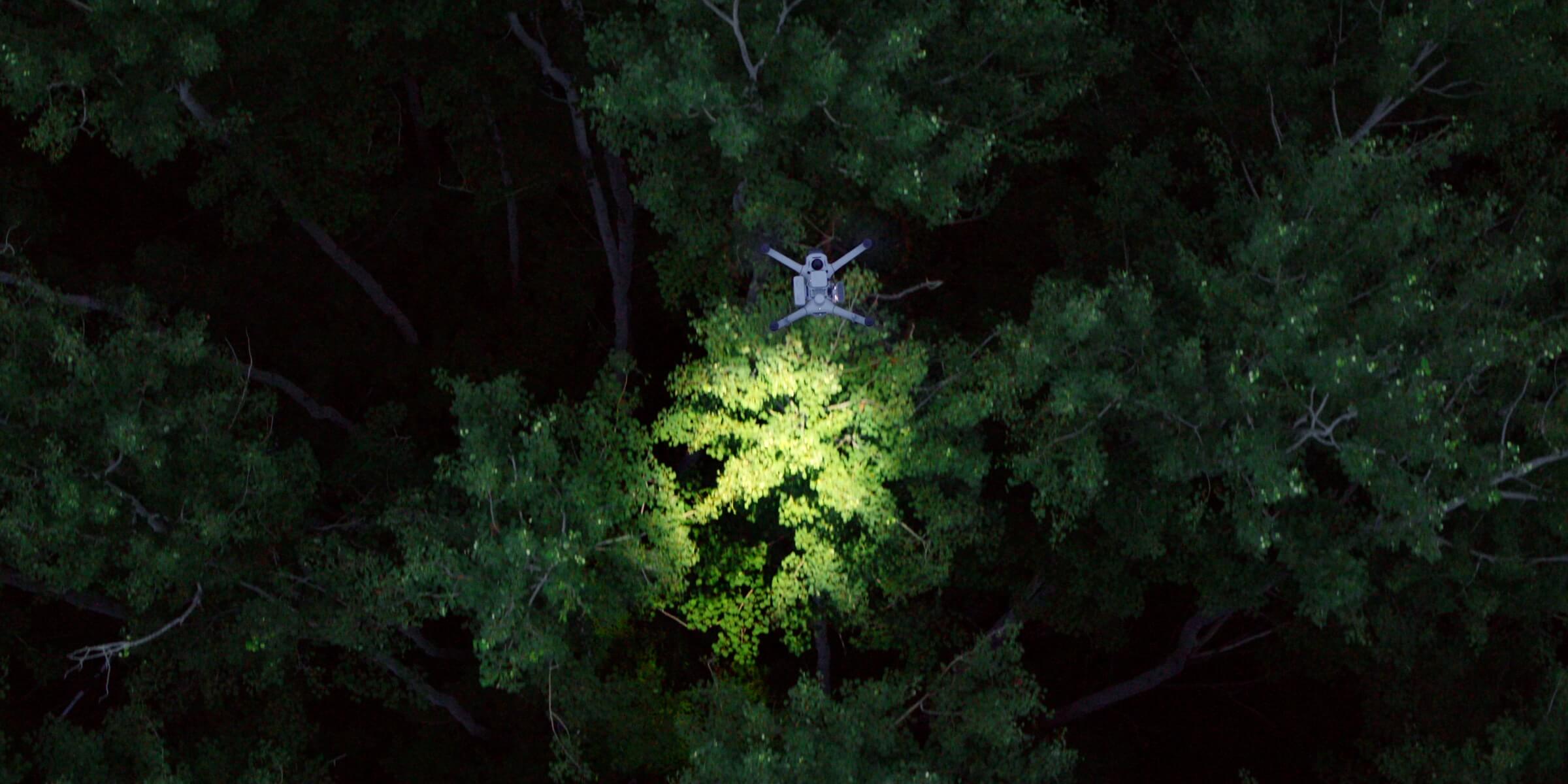
| Speaker | Broadcasts warnings at 120.5 dB, with a range of up to 400 m |
| Spotlight | A 40 W spotlight and an 18 W floodlight light up intruders and the scene |
Explore the DJI Dock 4, DJI Matrice 5TD, DJI Dock 3 and DJI Matrice 4TD in our store.
Site monitoring beyond security
The same drone that protects your site at night can keep an eye on it during the day.
- Daily site overviews: 360° panoramas showing the whole site each morning
- Equipment and material checks: confirm equipment and materials are where they should be
- Gate and access monitoring: see vehicle and delivery activity at entrances
- Safety monitoring: check restricted and hazardous areas without sending people in
- Storm and weather checks: inspect for damage after high winds, heavy rain or snow
- Fence and perimeter checks: spot damaged or open fencing
- Incident support: live aerial video during fires, accidents or emergencies
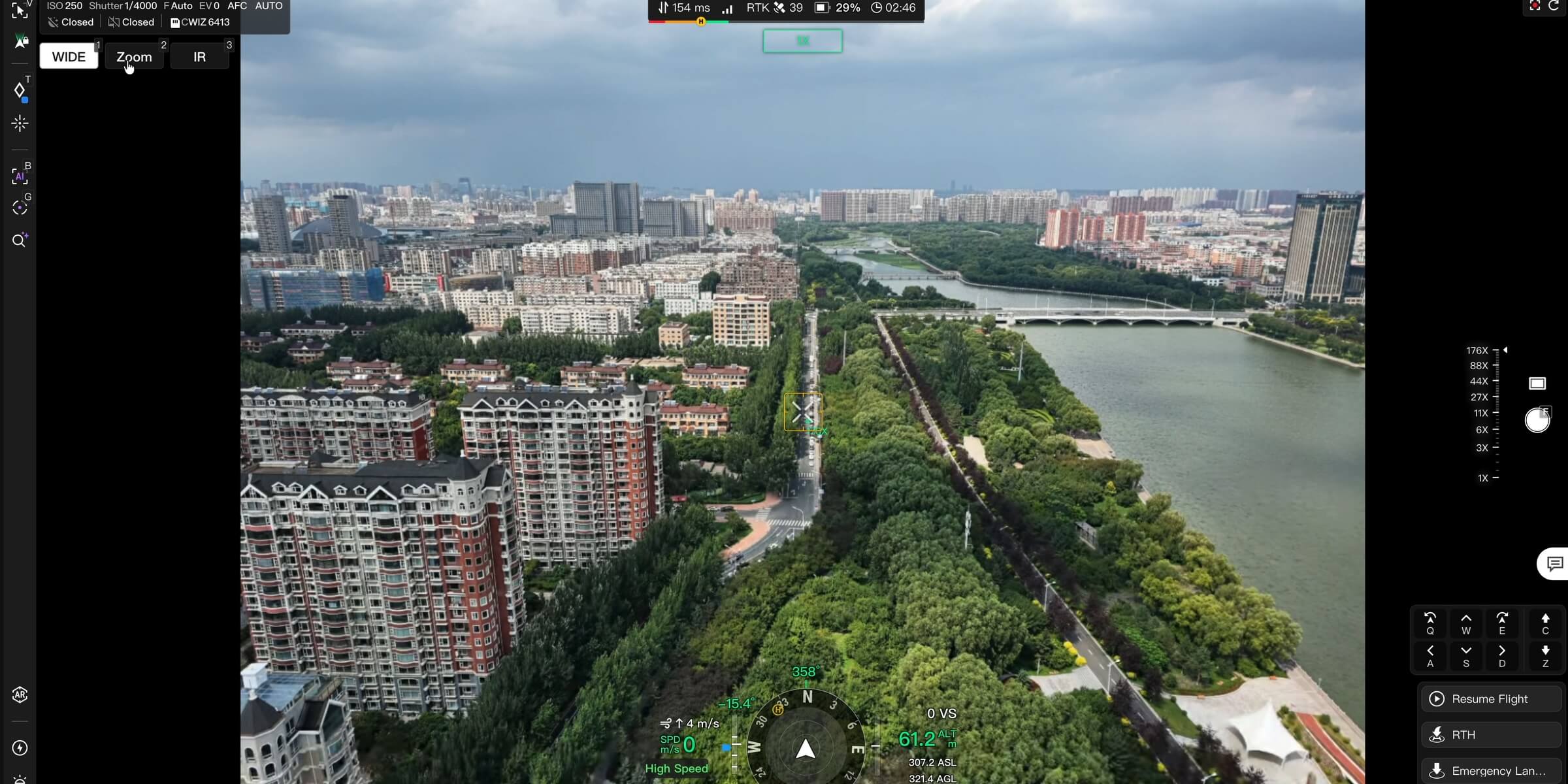
Drones vs traditional site security
| Guards | Fixed cameras | ROC drones | |
|---|---|---|---|
| Coverage | Limited by patrol routes | Fixed views with blind spots | The whole site from above |
| Following an intruder | On foot, with personal risk | Not possible | Smart Track from the air |
| Night coverage | Limited visibility | Depends on lighting | Thermal imaging |
| Alarm response | Depends on location | Records only | Automatic launch |
| Changing site layouts | Patrol routes updated | Cameras moved | Routes updated remotely |
| Deterrence | Physical presence | Passive | Speaker and spotlight |
| Multiple projects | Guards at every site | Cameras at every site | One operations centre |
| Evidence | Patrol logs | Video footage | Geotagged photos, video and alert records |
The ROC works alongside your existing cameras, alarms and security provider. Docks can also connect up to four network cameras, so you can see the site from the ground and the air in one place.
How an alarm response works
- 01An alarm is triggered at 2:00 a.m. by a fence sensor, camera or motion detector.
- 02The drone launches automatically from its base on site.
- 03It flies to the alarm location, streaming live thermal and visual video.
- 04AI detects people and vehicles, and the ROC pilot confirms what’s happening.
- 05The drone responds: it tracks the target, broadcasts a warning and lights up the area.
- 06Your team is alerted with snapshots, locations and live video.
- 07You decide the next step: contact police, call your security provider, or stand down a false alarm.
- 08Everything is recorded for police reports, insurance claims and investigations.
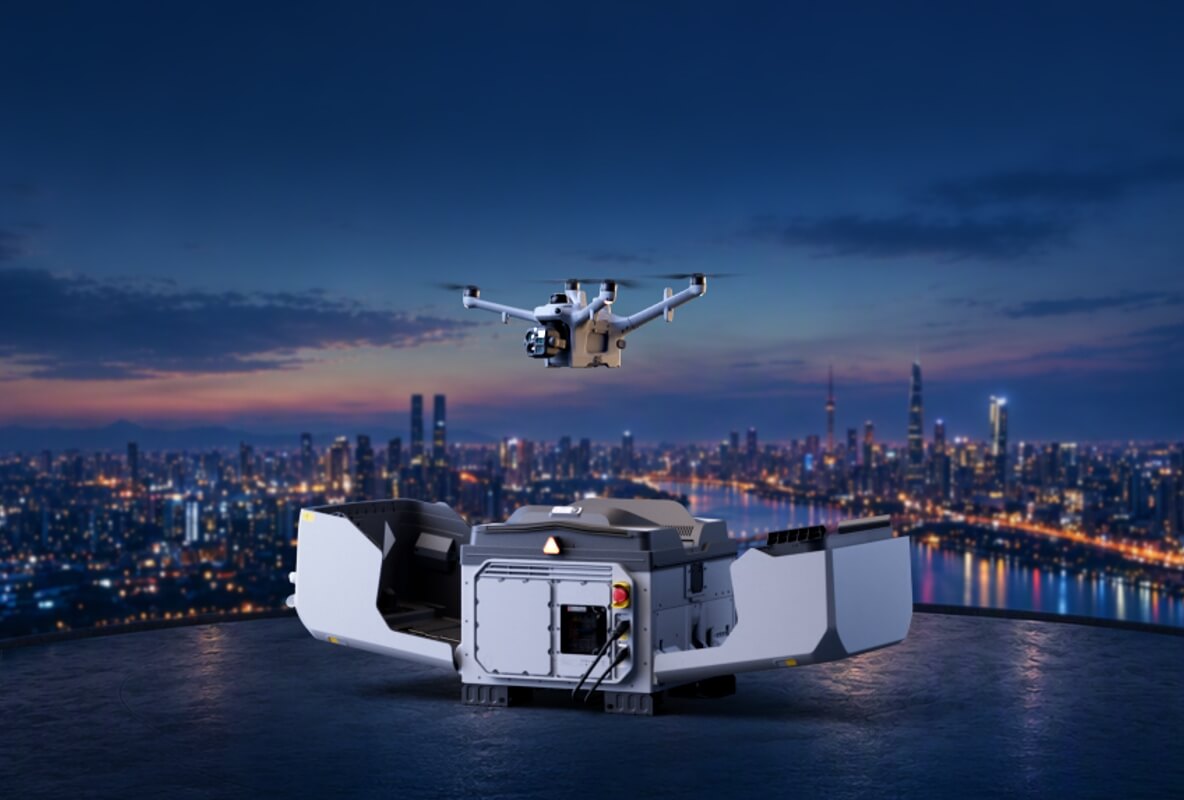
Fewer false alarms, faster decisions
Many site alarms are caused by wildlife, wind or equipment faults. Without eyes on the site, every alarm means a call-out.
With the ROC, the drone is often overhead quickly, and pilots can confirm whether there’s a real threat. Your team only goes out when it’s needed, and knows what they’re walking into.
Evidence that holds up
- Geotagged photos and video of every detection
- AI warning records with snapshots, filterable by date and object type
- Flight logs for every patrol and response
- Exportable reports for police, insurers and project records
Securing multiple projects
For builders running several projects at once, the ROC brings every site under one program:
- One operations centre watching all your active sites
- The same patrol and response standards at every project
- One place for alerts, video and records
- Easy to add new projects, and to wind down coverage as projects finish
Built for Canadian sites
- Cold weather: equipment rated to –40°C
- Weather sensors: flights hold automatically when conditions aren’t safe
- Long winter nights: thermal and low-light imaging
- Quick turnaround: fast battery swapping supports back-to-back patrols and repeat alarms
- Licensed Canadian pilots: oversee every mission
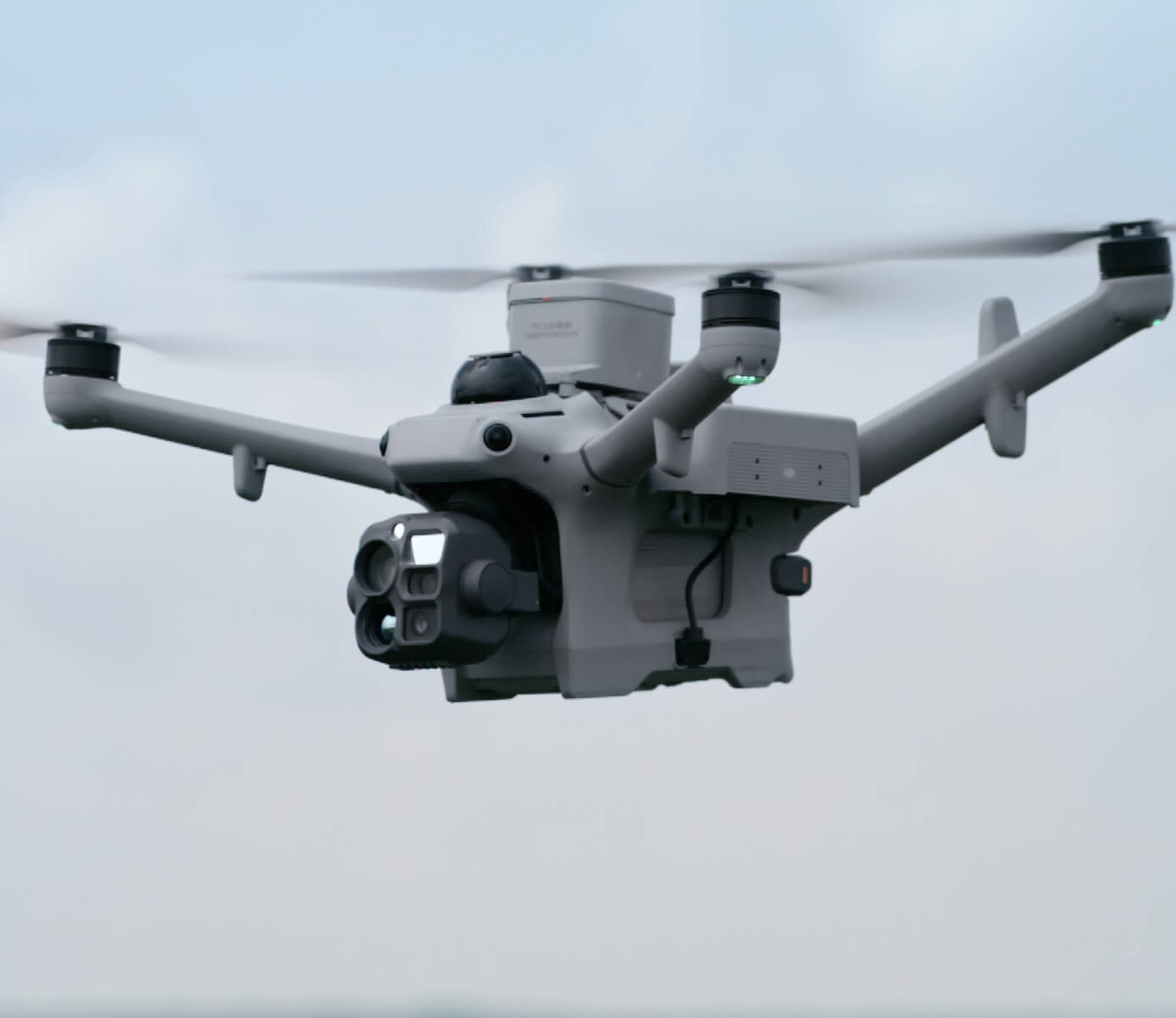
What’s included
- Equipment: drones and docks, supplied, installed and maintained by us
- Licensed pilots: remote oversight 24/7/365
- Patrol design: routes, schedules and detection zones built around your site
- Alarm integration: response flights triggered by your existing systems
- Alerts and live video: delivered to your team in real time
- Records: detections, video and flight logs for every mission
One predictable monthly fee. No fleet to own. No drone training on site.
Frequently asked questions
Can the drone launch automatically when an alarm goes off?
Yes. Missions can be triggered by fence sensors, cameras, motion detectors or access control alarms.
What can the AI detect?
People and vehicles, in both visible and thermal imagery.
Does it work at night?
Yes. Thermal imaging detects people and vehicles in complete darkness.
Can the drone deter intruders?
Yes. It can broadcast warnings through a speaker with a range of up to 400 m and light up the area with a spotlight.
What happens as the site layout changes?
Patrol routes and detection zones are updated remotely as the project progresses.
Does it replace our security provider or cameras?
No. It works alongside them, adding aerial coverage, faster response and fewer unnecessary call-outs.
Can it cover several projects?
Yes. Multiple sites run under one program from one operations centre.
What does the site need?
A power supply, a network connection, a stable mounting surface and an open area for the dock.
Get started
Protect your equipment, materials and schedule around the clock. Book a ROC briefing and we’ll design a security and monitoring program around your project.
Request a briefing with the ROC form below or call 416-303-3575.
ROC program
Talk to the ROC team
Shop the story
Related products in our catalog
Every product below is stocked and supported by Remote Robotic in Canada.
- DJI Dock 4
DJI Dock 4
DJI's first battery-swapping dock — ~25-second swaps for 24/7 operations, −40°C to 50°C, IP56. Pairs with the Matrice 5TD.
View product → - DJI Matrice 5TD
DJI Matrice 5TD
Dock 4 aircraft with wide + 1280×1024 thermal cameras, mmWave radar and LiDAR — 59 min flight, 3,000 m laser rangefinder.
View product → - DJI Dock 3
DJI Dock 3
Automated dock for Matrice 4D and Matrice 4TD remote inspection programs.
View product → - DJI Matrice 4TD
DJI Matrice 4TD
Dock-native thermal M4TD with NIR aux light — night-ops DFR and thermal patrol.
View product →