
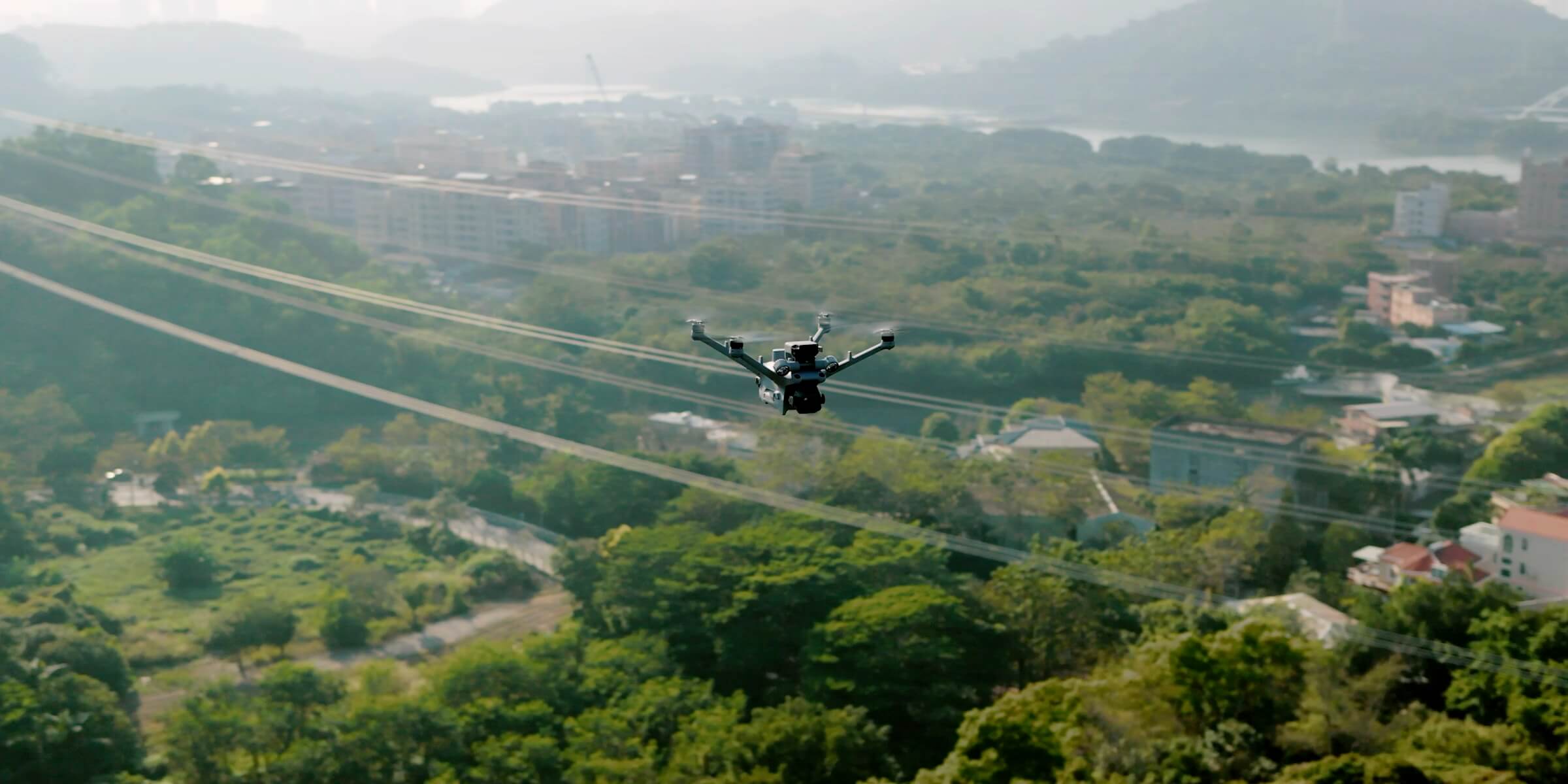
ROC – Remote Operation Center
Site Requirements for the ROC: What Your Site Needs for Automated Drone Operations
What your site needs for automated drone operations with the ROC: location, power, network, ground station, mounting, environmental limits, airspace, access and a site readiness checklist.
Remote Robotic · October 28, 2026 · 9 min read
One of the first questions we hear is: “What do we need on site?”
The answer is less than most people expect. With Remote Robotic’s Remote Operations Center (ROC), we supply, install and maintain the drones and docks. There are no pilots on site, no drone hangar and no crew. What your site needs is a suitable location, power, a network connection and a solid place to mount the equipment.
This guide explains each requirement, how we assess your site, and what we can do at remote locations.
The short version
| Requirement | What’s needed |
|---|---|
| Location | An open, unobstructed area with clear sky for takeoff and landing |
| Power | A stable AC power supply (100–240 V, 50/60 Hz) |
| Network | A wired internet connection, or cellular coverage |
| Mounting | A level, stable mounting surface or pad |
| Ground station | An elevated, open spot for the communications ground station, near the dock |
| Access | A way to deliver, install and service the equipment |
| Environment | Within the equipment’s operating limits for temperature, wind, rain and altitude |
We assess every site and provide a detailed checklist before installation.
1. Location
The dock is where the drone launches, lands, charges and is stored. Choosing the right spot is the most important part of the setup.
What makes a good location
- Open sky: clear space above for takeoff and landing
- Away from obstructions: away from tall structures, trees, towers and overhead lines
- Good coverage: within reach of all the assets you need monitored
- Secure: inside a fenced area or another protected space where possible
- Accessible: reachable for installation and maintenance
- Stable ground: not in low spots prone to flooding or drifting snow
What to avoid
- Vibration sources, such as nearby railways or heavy machinery, which can affect the dock’s sensors
- Sources of radio interference, such as communications equipment
- Large metal obstructions near the communications equipment
- Areas with restricted airspace that would limit operations
Coverage
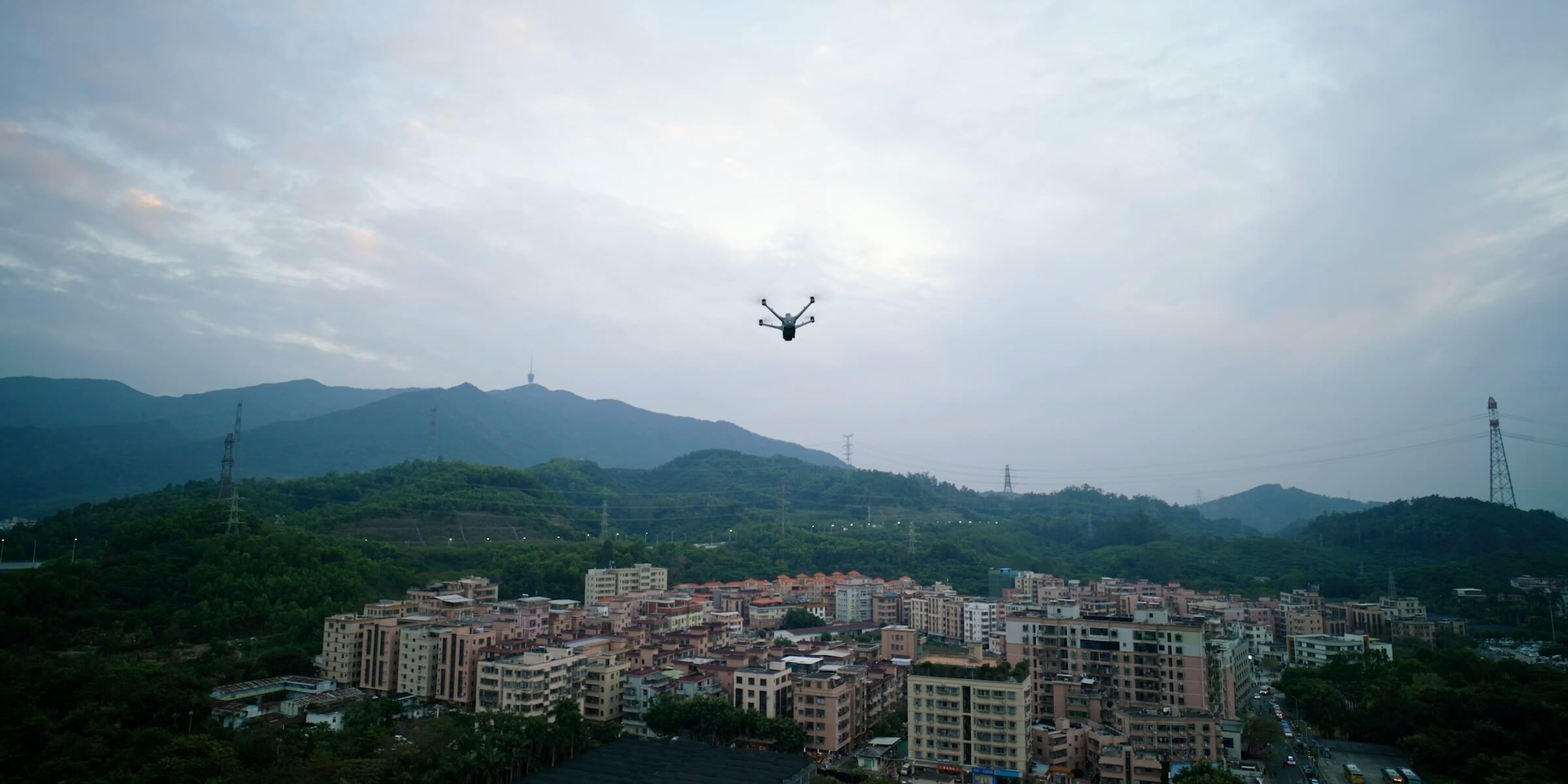
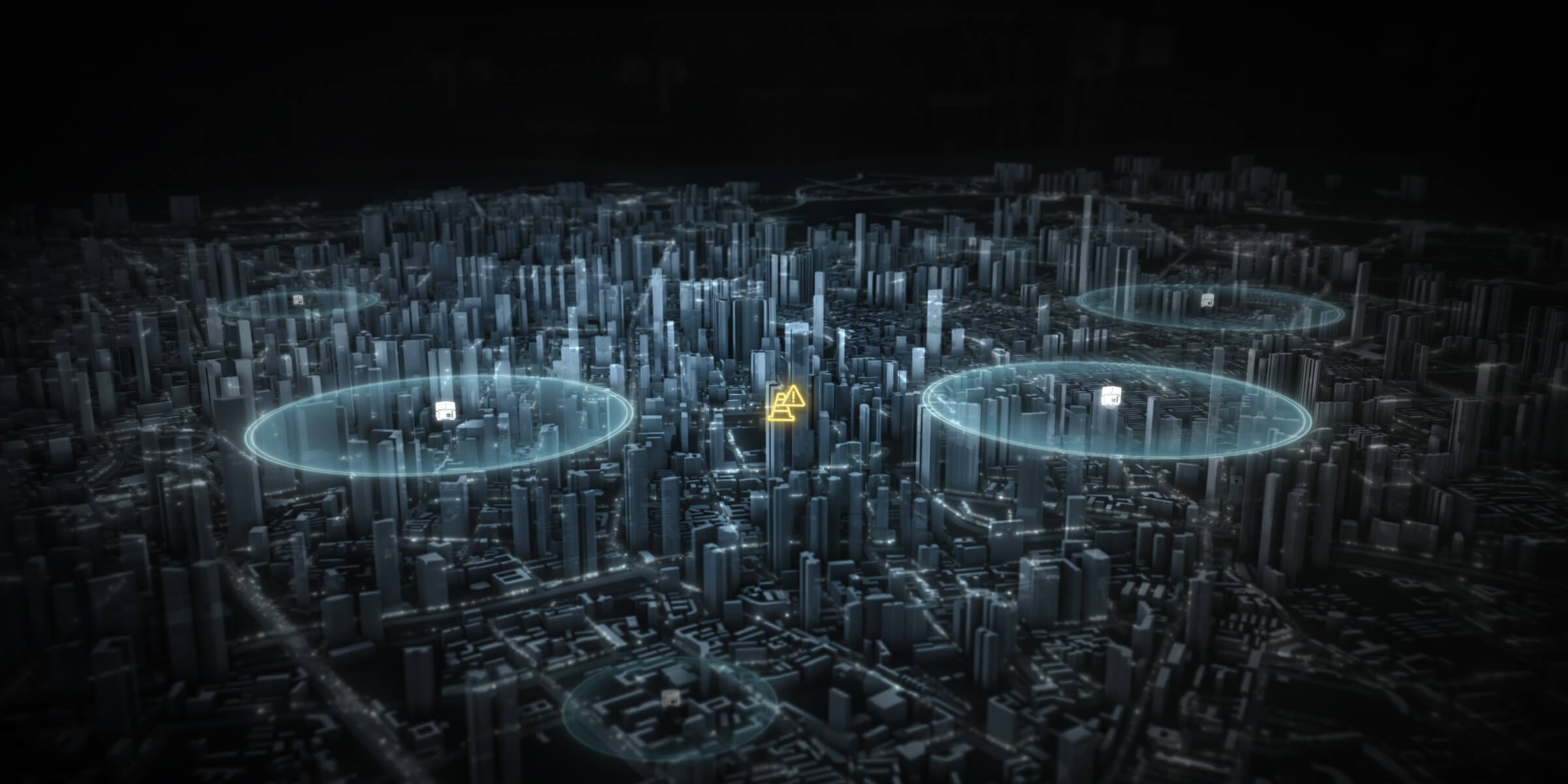
Each dock covers a radius of up to 10 km, depending on wind, temperature and the type of mission. Larger sites and long corridors can be covered with more than one dock.
2. Power
The dock needs a stable power supply to charge the drone, run its climate control and keep its systems online.
| Typical power requirements | |
|---|---|
| Input | 100–240 V AC, 50/60 Hz |
| Maximum draw | up to 2,000 W for our latest docks, during charging and climate control |
| Supply | a stable, dedicated circuit is recommended |
Backup power
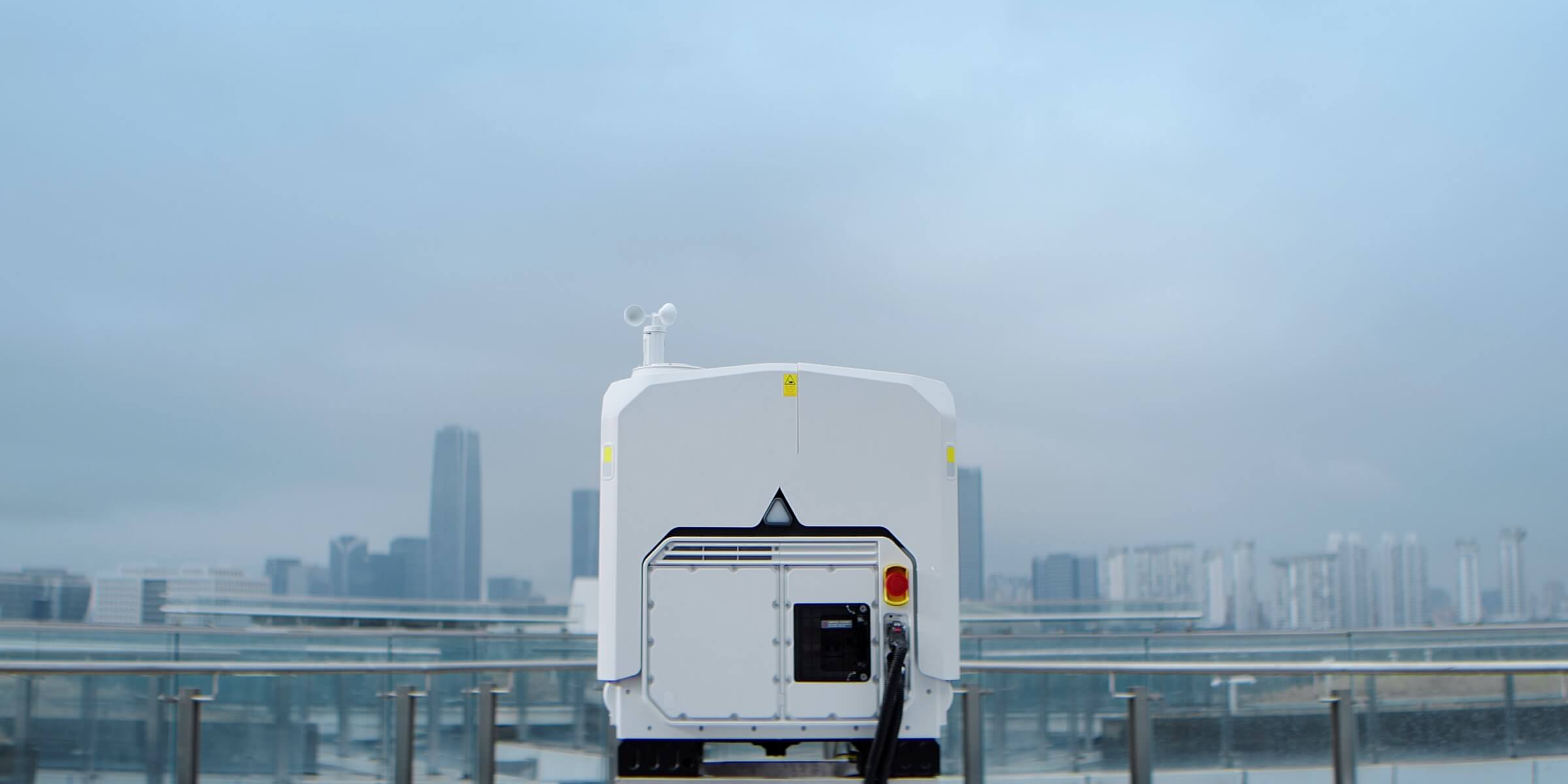
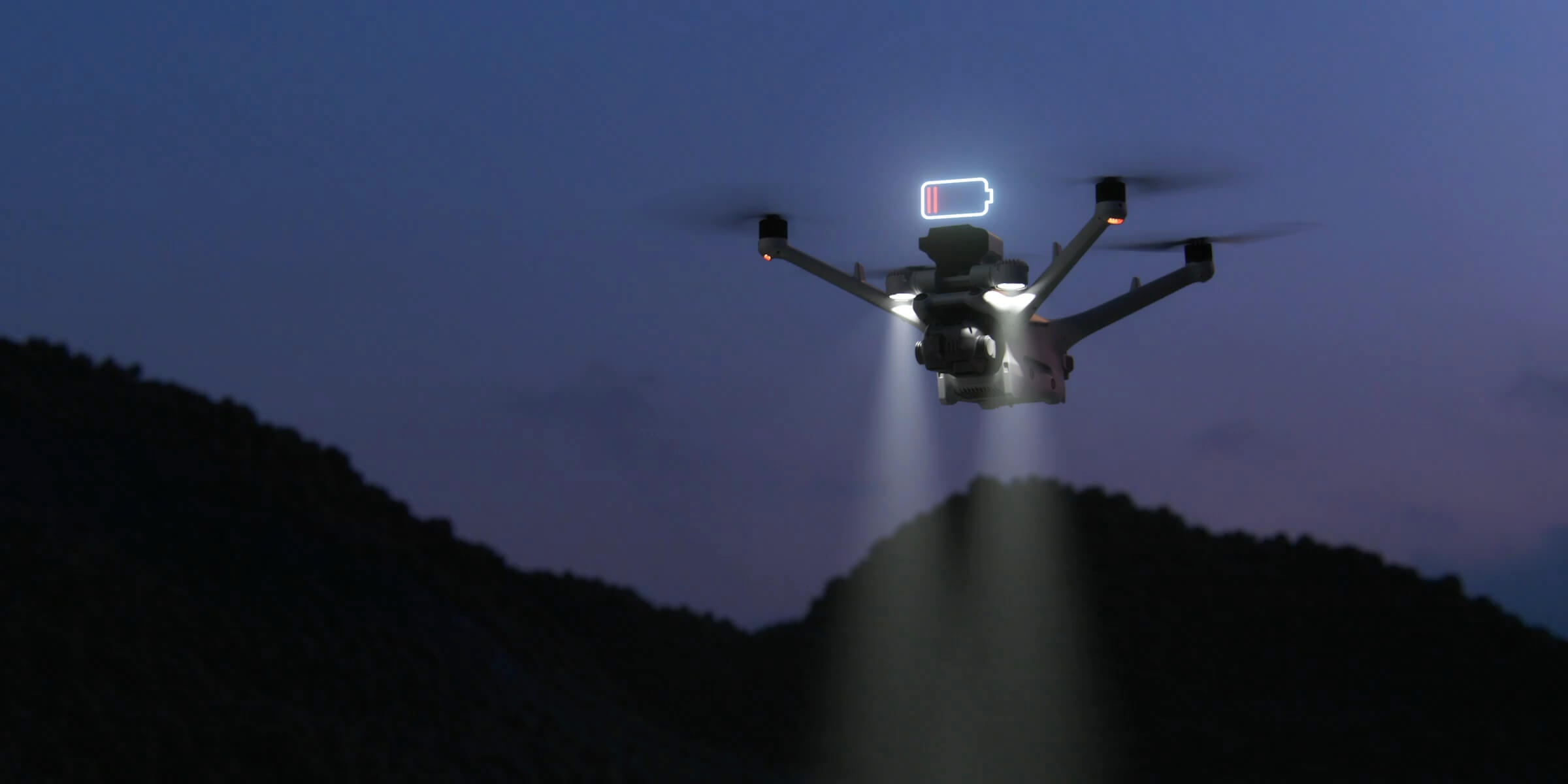
Docks include backup power that keeps essential systems running during a power outage, so the drone can return and land safely. During an outage, the dock can’t charge the drone or run its climate control, so stable grid power is important for reliable operations.
Lightning and surge protection
Docks include built-in protection on the power and network connections. We assess grounding and surge protection needs as part of the site survey.
3. Network connectivity
The network connection links the dock to the ROC. It carries live video, flight control and data.
| Typical network requirements | |
|---|---|
| Connection | wired Ethernet, with gigabit recommended |
| Bandwidth | more than 20 Mbps both up and down, and 40 Mbps or more recommended |
| Latency | no more than 100 ms |
| Cellular option | 4G connectivity can be used where wired internet isn’t available |
| Starlink option | Starlink can provide the connection where there’s no cell coverage |
The ground station
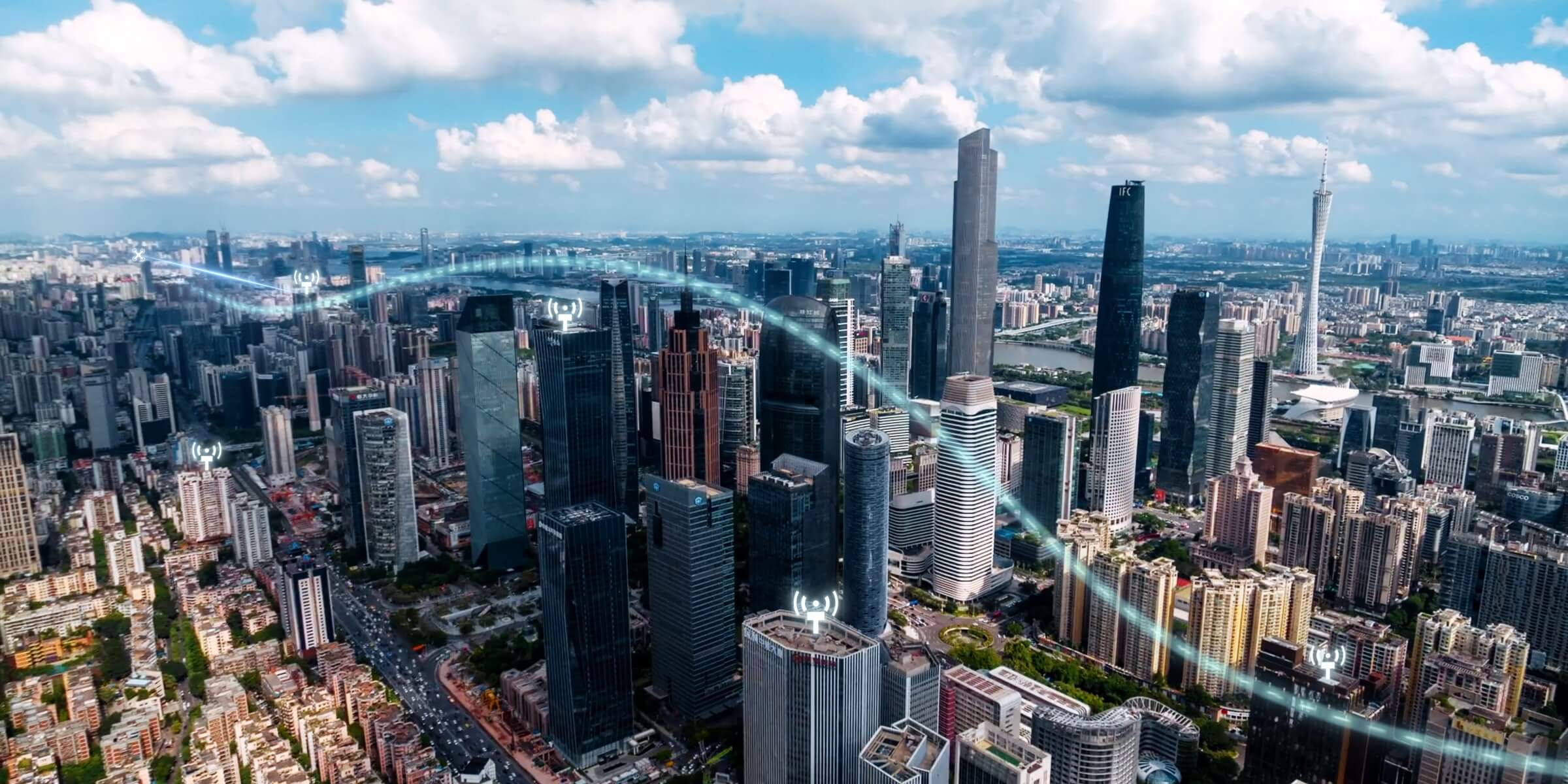
The dock connects through a separate communications ground station. It handles the network connection, the drone’s video link and precise positioning.
- Placement: an elevated, open location, often on a pole or wall
- Line of sight: clear line of sight to the dock
- Distance: within 1.5 to 80 metres of the dock
- Cabling: a single outdoor Ethernet cable carries both power and data between the dock and the ground station
We confirm the best ground station location during the site survey.
4. Mounting surface
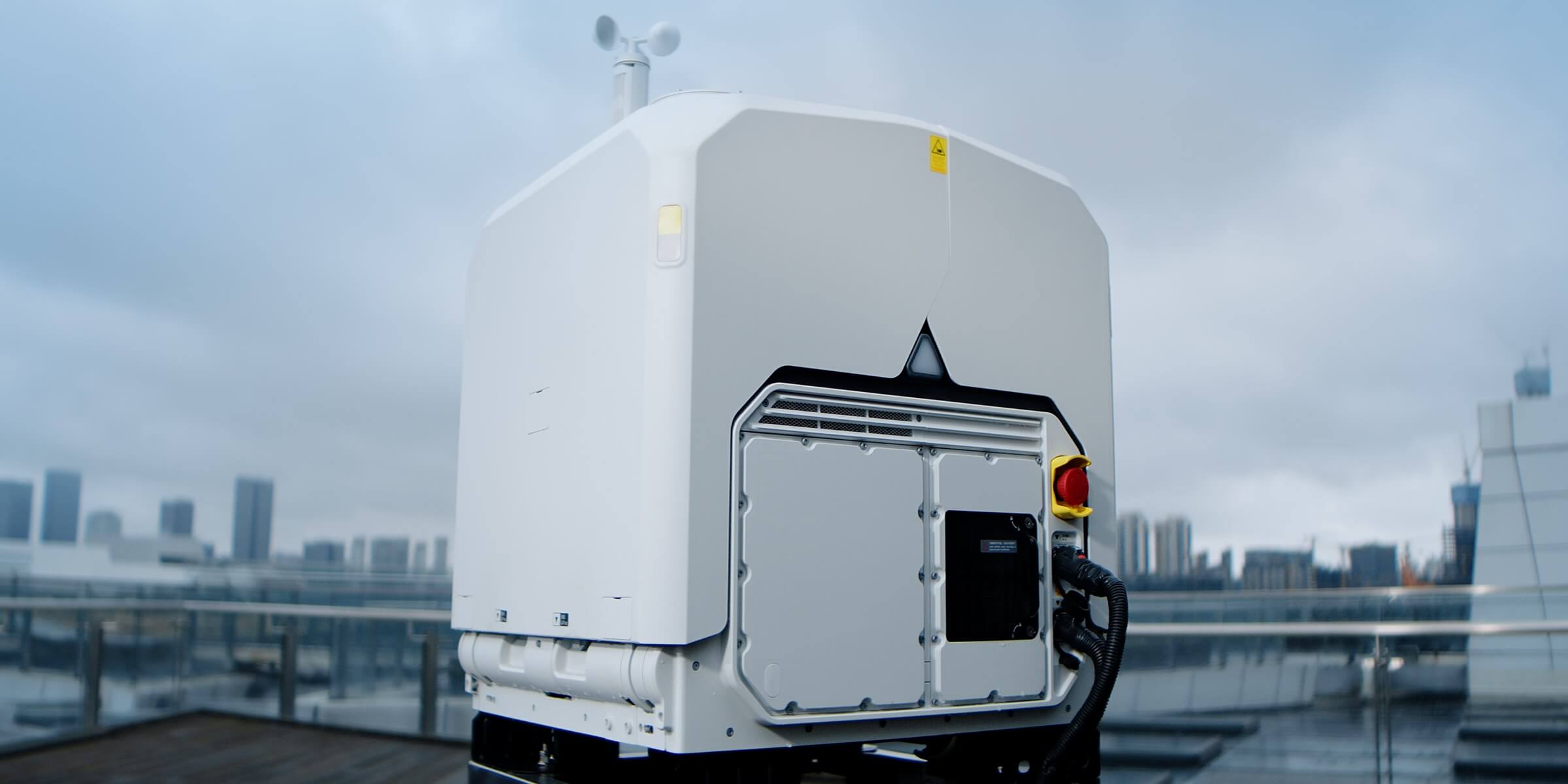
The dock needs a level, stable, secure base.
- Common options: a concrete pad, an existing slab or a rooftop
- Level: to support safe, precise landings
- Secure: anchored so it can’t move or be tipped over
- Drainage: positioned so water and snow drain away
- Weight: our latest docks weigh about 66 kg without the drone and batteries
We provide mounting specifications for each site.
5. Environmental limits
The equipment is built for Canadian conditions, but every system has limits.
| Condition | Typical operating limit |
|---|---|
| Temperature | –40°C to 50°C |
| Wind (landing) | Up to 12 m/s |
| Rain | Up to 2 mm/h |
| Altitude | Up to 5,000 m |
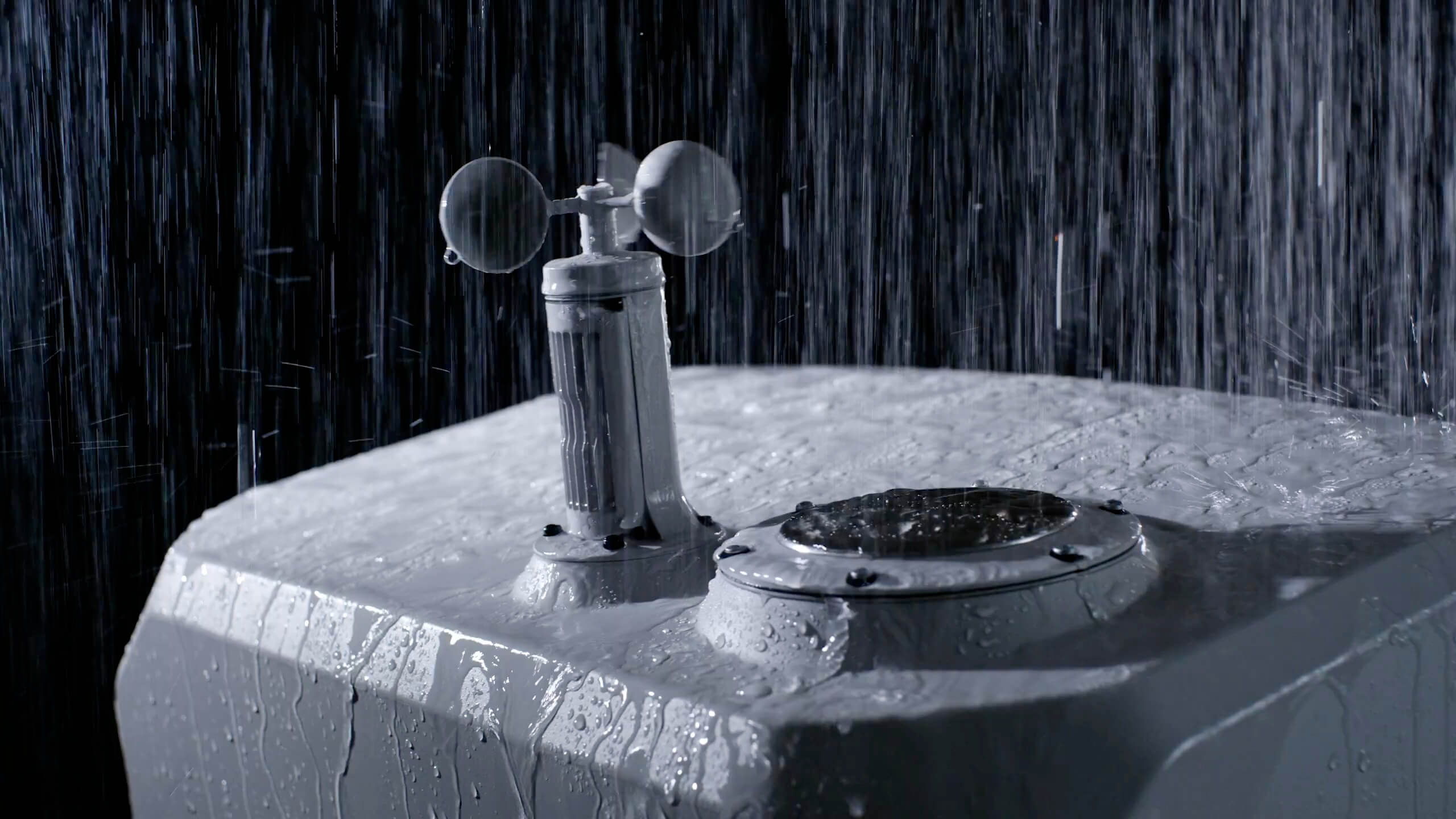
| Weather protection | Dock IP56, drone IP55 |
When conditions fall outside these limits, flights hold automatically and resume once it’s safe.
6. Airspace and approvals
Every site is checked for:
- Nearby airports and heliports
- Controlled or restricted airspace
- Populated areas near the site
- Other aviation activity
The ROC team handles flight authorizations and airspace coordination. Airspace can affect how quickly a site goes live, so it’s reviewed early.
7. Access and logistics
- Delivery: a vehicle route for delivering the dock and equipment
- Installation access: space to work around the dock during setup
- Ongoing access: for scheduled maintenance and repairs
- Site contact: a person who can provide access on installation and service days
- Site safety orientation: if your site requires one for our technicians
Who provides what
| Item | Usually provided by |
|---|---|
| Site assessment | ROC team |
| Dock location recommendation | ROC team |
| Power to the dock location | Your team or electrical contractor, to our specifications |
| Network connection | Your team or IT provider, to our specifications |
| Mounting pad or surface | Your team or contractor, to our specifications |
| Dock, drone, ground station and accessories | ROC team |
| Installation and commissioning | ROC team and authorized installers |
| Flight authorizations | ROC team |
| Ongoing maintenance | ROC team |
The ROC team supplies the dock, drone and ground station, such as the DJI Dock 4 with the DJI Matrice 5TD, or the DJI Dock 3 with the DJI Matrice 4TD.
Remote and challenging sites
Not every site has grid power and high-speed internet. We’ll work with you on options such as:
- Cellular connectivity where wired internet isn’t available
- Starlink satellite internet for areas with weak or no cell coverage
- Alternative power solutions for sites without reliable grid power
- Vehicle-mounted deployments for temporary or mobile sites
The right option depends on the site, and we’ll review it during the assessment.
How the site assessment works
- 01
Desktop review: we look at site maps, imagery, airspace and your monitoring goals.
- 02
Site visit or survey: we confirm the dock and ground station locations, power, connectivity, obstructions and access.
- 03
Connectivity and signal check: we test the network and the drone’s signal coverage across the site.
- 04
Site report: you receive recommended locations, preparation requirements and any approvals needed.
- 05
Preparation: your team or contractor prepares power, network and the pad.
- 06
Installation: we install, commission and test the equipment.
Site readiness checklist
Use this to check whether a site is ready to start:
- Open area with clear sky for the dock
- Elevated, open location for the ground station, within 80 m of the dock
- Stable AC power available at or near the dock location
- Wired internet, good cellular coverage, or Starlink
- Level, stable surface or space for a pad
- Away from vibration sources, radio interference and large metal obstructions
- Vehicle access for delivery and service
- A site contact for access
- Site maps or layouts available
If you can’t tick every box, that’s fine. Book a briefing anyway, and we’ll help you work through it.
Related articles
- What Is a Remote Operations Center (ROC)?
- How to Get Started with the ROC: From Briefing to First Mission
- One Operations Center, Every Site: Scaling with the ROC
- Remote Site Security with the ROC
Frequently asked questions
What does our site need for the ROC?
An open location, stable power, a network connection, a level mounting surface and access for installation and maintenance.
How much power does the dock use?
It runs on standard 100–240 V AC power, with a maximum draw of up to 2,000 W for our latest docks.
What internet speed is needed?
More than 20 Mbps up and down, with 40 Mbps or more recommended, and latency of no more than 100 ms.
What if we don’t have wired internet?
Cellular connectivity can be used where wired internet isn’t available. Where there’s no cell coverage, Starlink can provide the connection.
What happens during a power outage?
Backup power keeps essential systems running so the drone can land safely. The dock can’t charge the drone until power returns.
Do we need to build a pad?
The dock needs a level, stable mounting surface. An existing slab or rooftop may work, or a simple pad can be built. We provide specifications.
Who installs the equipment?
The ROC team and authorized installers handle installation and commissioning.
Can the ROC work at remote, off-grid sites?
Often, yes. Starlink can provide connectivity where there’s no cell coverage, and we’ll review power and connectivity options during the site assessment.
Get started
Not sure if your site is ready? Book a ROC briefing and we’ll assess your sites, recommend the best setup and give you a clear checklist to get started.
Request a briefing with the ROC form below or call 416-303-3575.
ROC program
Talk to the ROC team
Shop the story
Related products in our catalog
Every product below is stocked and supported by Remote Robotic in Canada.
- DJI Dock 4
DJI Dock 4
DJI's first battery-swapping dock — ~25-second swaps for 24/7 operations, −40°C to 50°C, IP56. Pairs with the Matrice 5TD.
View product → - DJI Matrice 5TD
DJI Matrice 5TD
Dock 4 aircraft with wide + 1280×1024 thermal cameras, mmWave radar and LiDAR — 59 min flight, 3,000 m laser rangefinder.
View product → - DJI Dock 3
DJI Dock 3
Automated dock for Matrice 4D and Matrice 4TD remote inspection programs.
View product → - DJI Matrice 4TD
DJI Matrice 4TD
Dock-native thermal M4TD with NIR aux light — night-ops DFR and thermal patrol.
View product →