
Survey & Mapping
DEM vs. TIN, and Everything In Between
Once you've figured out what a project needs, the next question is which deliverable format actually meets that need. In a hands-on ROAR West workshop, professional surveyor and geodetic engineer Rami Tamimi, founder of The Survey School, ran through the full range — DEM, TIN, LandXML, LAS, volume reports, floor plans, and as-builts — and why the format should be dictated by who's going to use the output, not by what's easiest to generate.
Remote Robotic · October 23, 2026 · 4 min read
Watch the ROAR West workshop
Watch on YouTube ↗Once you've figured out what a project needs, the next question is which deliverable format actually meets that need. Rami Tamimi's ROAR West workshop ran through the full range, starting with two terms that get confused constantly: DEM and TIN.
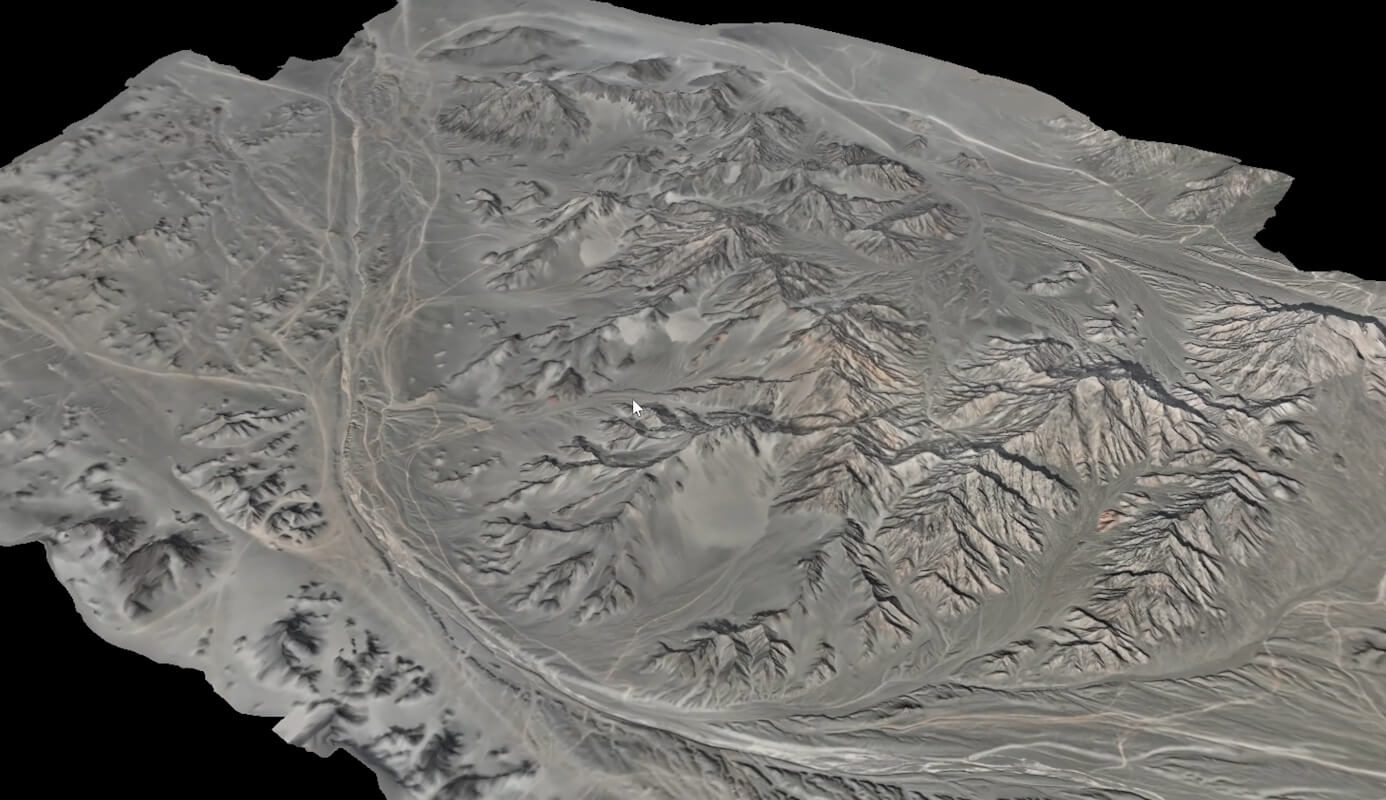
DEM: a digital elevation model
A DEM is built on a regular grid. "Digital elevation models are pretty consistent in terms of the points that you're going to see," Tamimi explained, "and they're usually over open land." Picture sampling a point cloud every five meters across an open area, pulling just the X, Y, and Z at each sample point. The X and Y don't matter much — they're just there to keep the sampling consistent. The elevation is what matters.
The benefit is manageability. "I can deliver a 500 million point point cloud. That's not helping anybody. But I can deliver a 2,000 point DEM. That's a little bit more manageable, especially with CAD."
TIN: a triangular irregular network
A TIN comes from traditional field measurement — a total station or GPS shooting curbs, gutters, sidewalks, and break lines where the terrain actually changes shape. Because these points are measured where the ground actually breaks, not on a fixed grid, they're irregular. Combine a DEM and a TIN and you get a strong, efficient surface model. The file format surveyors and engineers ask for when they want this surface is a LandXML. "When a surveyor or an engineer asks for a land XML, they're asking for a surface."
Point cloud deliverables: LAS files and volume reports
If you're handing data to a geospatial company rather than an engineer, the ask is often different — an LAS file, or a volume report. A volume report is usually a PDF stating how many cubic meters of material are in a given stockpile, repeated for every pile on site. It's a simple, client-facing document built directly from the point cloud, no CAD conversion required.
Floor plans, contours, line work, and ortho mosaics
For indoor mapping, the deliverable is often a floor plan — useful for an architect planning a renovation, or anyone who needs to understand how a space is laid out. Contours are a 2D visualization of 3D terrain, the squiggly lines on a topographic drawing that represent elevation change in horizontal form. Line work shows the sidewalks, buildings, and other ground features that were mapped. And the ortho mosaic — the high-resolution stitched image — typically comes standard with any point cloud deliverable.
As-built drawings vs. topographic surveys
As-built drawings look similar to topographic surveys but serve a different purpose: they confirm that construction matches the original design, usually so a property can take occupancy. "The city might tell them, hey, we need you to get us an as-built survey. We need to make sure that the house was built to the site plan." Drones are increasingly used for this, especially on larger sites — map the site, digitize it, build the line work, and compare it against the design. As-builts are generally less intensive than a full topographic survey because they don't need every element a topo survey captures.
Matching the deliverable to the client
The common thread across all of these: the format is dictated by who's going to use the output, not by what's easiest to generate. Civil engineers want CAD surfaces referenced to a coordinate system because they're integrating your data with other datasets. Construction crews want local, practical dimensions — how far from the property line, where to dig. Municipalities and regulators want signed plans, full stop.
This is also where it pays to ask about templates up front. If a client already has a CAD standard, get it before you start drafting — reformatting an entire drawing to match someone else's template after the fact is "really mundane work" that eats time you could spend on other projects.
At Remote Robotic, we build the deliverable format into the project scope from day one — DEM, TIN, LandXML, LAS, floor plan, or as-built — so the file a client receives is already in the format their engineer, regulator, or internal team needs, not something they have to convert themselves.
Survey & mapping solutions · DJI drones for survey & mapping in Canada
Shop the story
Related products in our catalog
Every product below is stocked and supported by Remote Robotic in Canada.
- DJI Matrice 4E
DJI Matrice 4E
Compact mapping-first M4 Series with wide + medium-tele + tele cameras and laser rangefinder.
View product → - D-RTK 3 Multifunctional Station
D-RTK 3 Multifunctional Station
Cm-level GNSS base / rover / relay — foundation of any M400 survey workflow.
View product → - DJI Terra
DJI Terra
Desktop mission planning + LiDAR / photogrammetry post-processing suite.
View product →